Pages

Tuesday, 13 May 2014

REVIEW: HTC ONE (M8)

HTC One (M8) Review

htc one m8 review-21
HTC is back this year, with a new flagship device titled the One (M8). Last year’s One (M7) was mostly well-received, as the company announced they would be refocusing more on creating the best device possible and stepping away from over-the-top marketing and flooding of the market with mid-range devices. The company wants the consumer to do the marketing for them, and as we all know, word of mouth is by far the strongest form of advertising.
In 2014, major devices are on the roadmap from all of the top OEMs such as Samsung, Apple, Motorola, and LG. If HTC wants to remain competitive, it is without question that the One (M8) would need to blow the socks off of anyone who touched it. It needs the right specs, the right features, and the right build quality.
While the company was able to do most of these things, the M8 did fall somewhat short in a few categories, but if you have been paying attention, there is no shortage of people willing to argue that the One (M8) is one of the greatest smartphones ever made.
Both Tim and I have had more than a week with the One (M8), so we have tag-teamed our full review, going over the pros and cons of the device.
This is our HTC One (M8) review. 
htc one m8 colors

The Good


Hardware / Specs
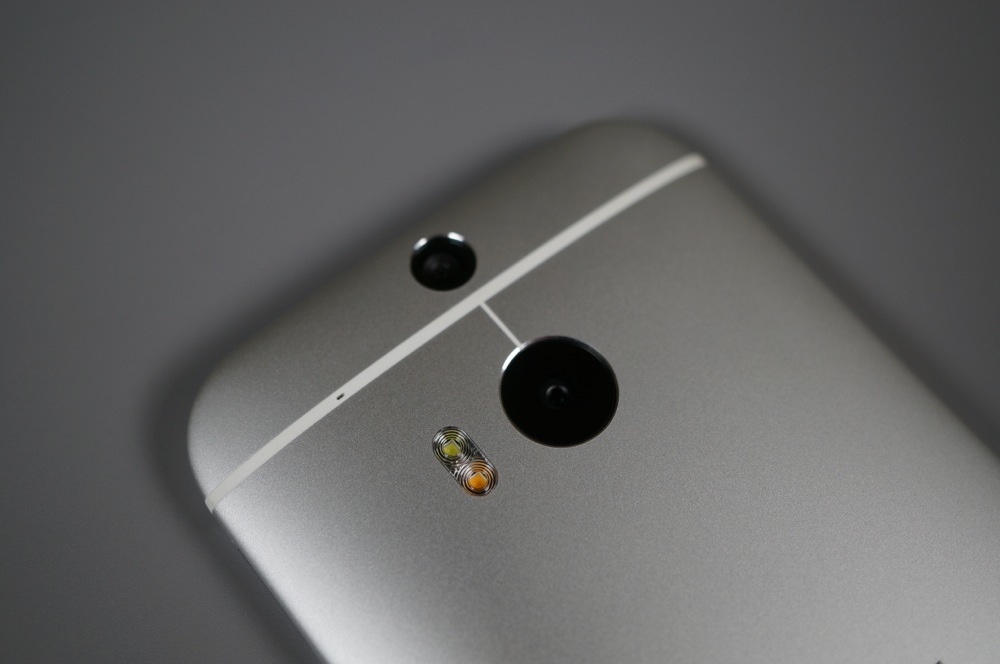
Outside of the camera, which we’ll talk about plenty in multiple sections below, the HTC One (M8) brings top tier specs in almost every single category. It sports a 5-inch FHD (1920×1080) Super LCD 3 display, Qualcomm Snapdragon 801 processor clocked at 2.3GHz, 2GB RAM, 32GB of internal storage, micro SD slot that supports up to 128GB cards, a 5MP front camera, BoomSound speakers, and a 2,600mAh battery, all in an all-metal body that is just 9.35mm thick. The rear camera weighs in at 4MP (dubbed “UltraPixel”), but is accompanied by a 2MP depth sensor that is capable of a handful of image tricks. It’s really the only lacking spec on the phone, unless of course you are fine with photos that only spread to a 4MP resolution, which many of you may be. Other than that, this is a top tier device by today’s standards. -K
htc one m8 review-13
Design
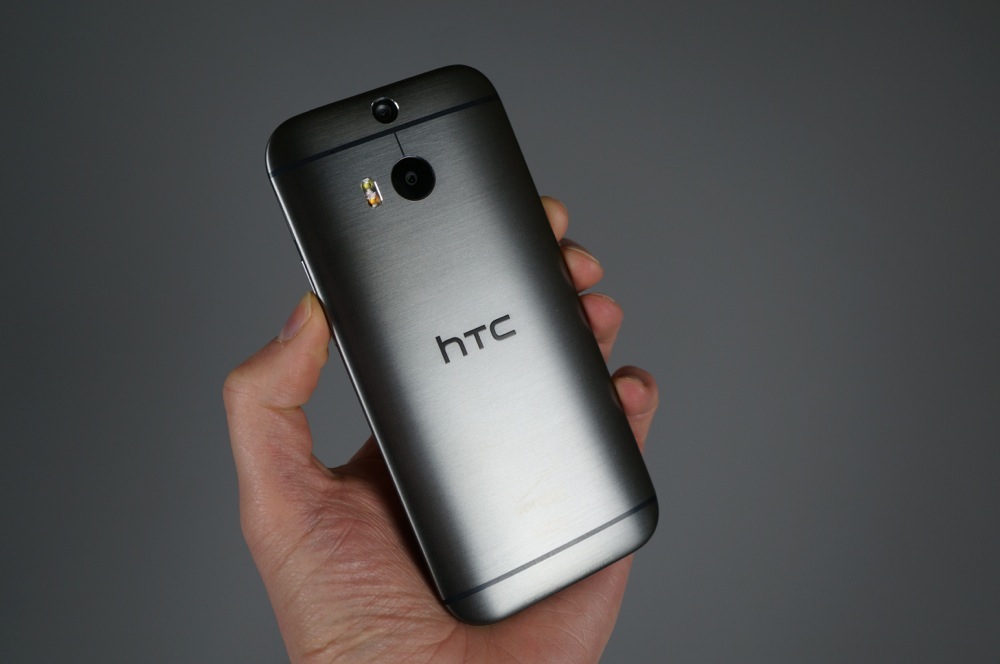
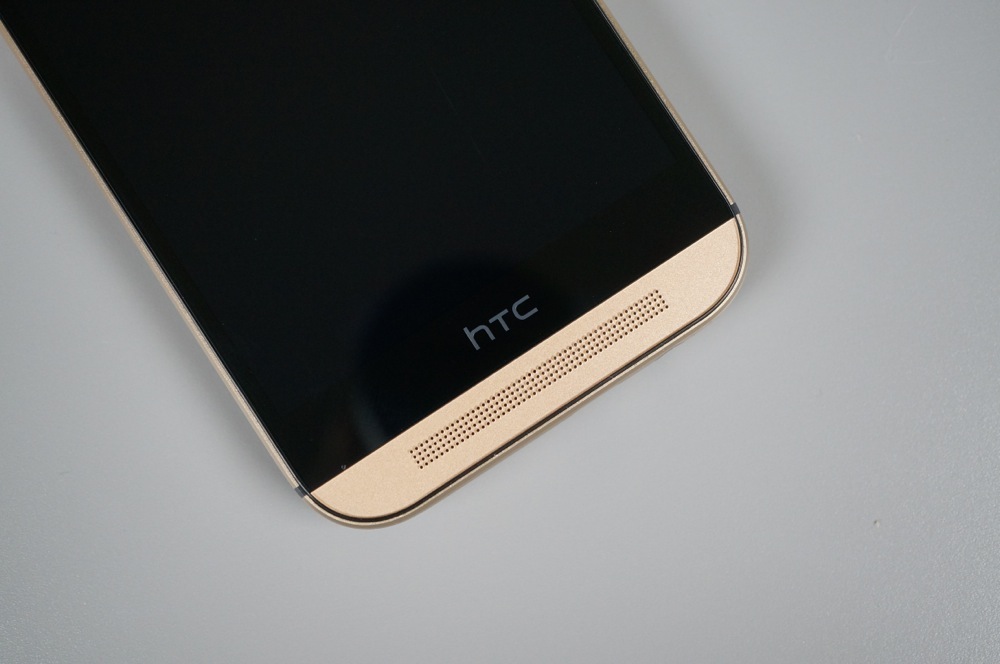
The HTC One (M8) is absolutely gorgeous, at least in my opinion. Even though the phone is made from a single piece of metal, it feels almost pillowy in hand. The backside is rounded so perfectly, that it fits so effortlessly in your hand. Each variant of the M8 also includes subtle accent lines and a beautiful finish that leaves it looking industrial and modern. This is smartphone luxury.
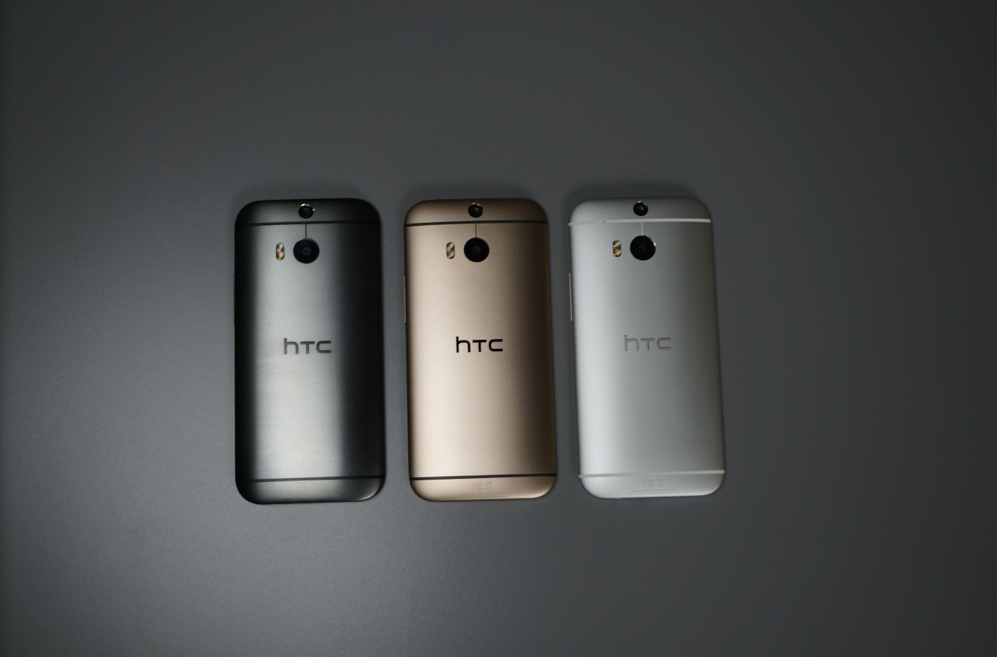
HTC has given us three colors:  Gunmetal Grey, Amber Gold, and Glacial Silver. Below, you’ll find a video of all three, all of which are beautiful in their own right. While I would argue that the device is far too tall, there is no denying the craftsmanship. HTC built the most high-end feeling phone on the planet, again. -K
Display
HTC used a 5-inch Super LCD 3 display in the M8 with a resolution of 1920×1080. It’s a beautiful display, just like the last few displays their flagships over the years have used. Colors are accurate and vibrant while not being oversaturated, brightness levels are some of the brightest we have seen, and the viewing angles are among the best, if not the best on any current flagship smartphone.
htc one m8 review-3htc one m8 review-1
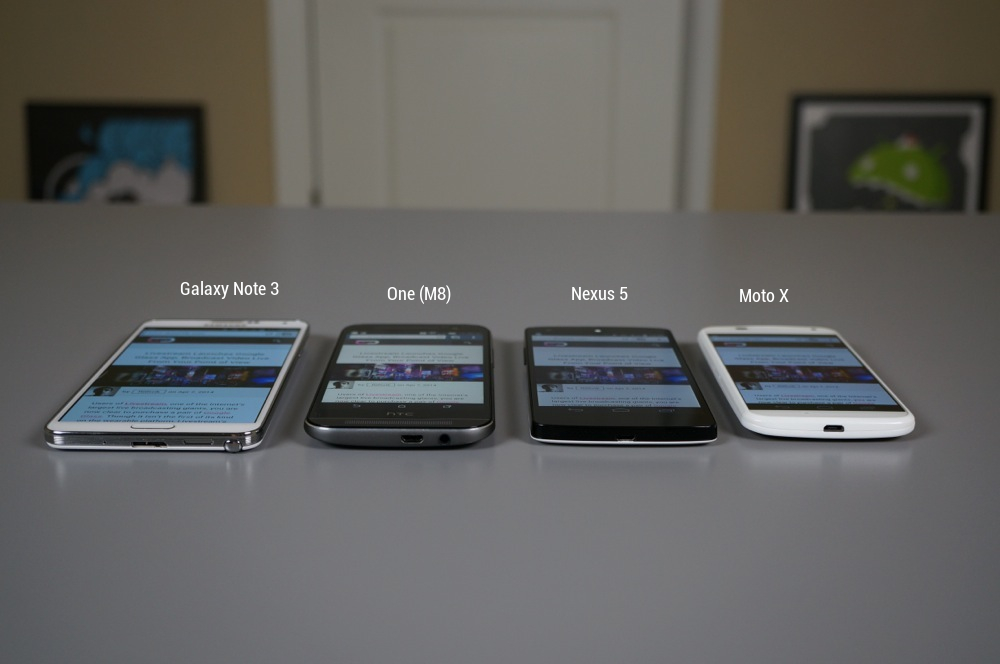
I’d argue that the AMOLED on the Galaxy Note 3 is still the best display on the market (until the Galaxy S5 is released in a few days), but the LCD used the One (M8) is no slouch. As you can see from the images above, it’s not only brighter than the Note 3, Nexus 5 and Moto X, but at a steep viewing angle, it’s probably the clearest.
And because macros are fun, check out the image below to see how many pixels are packed into this FHD display. It’s impressive. -K

m8 macro2
Performance
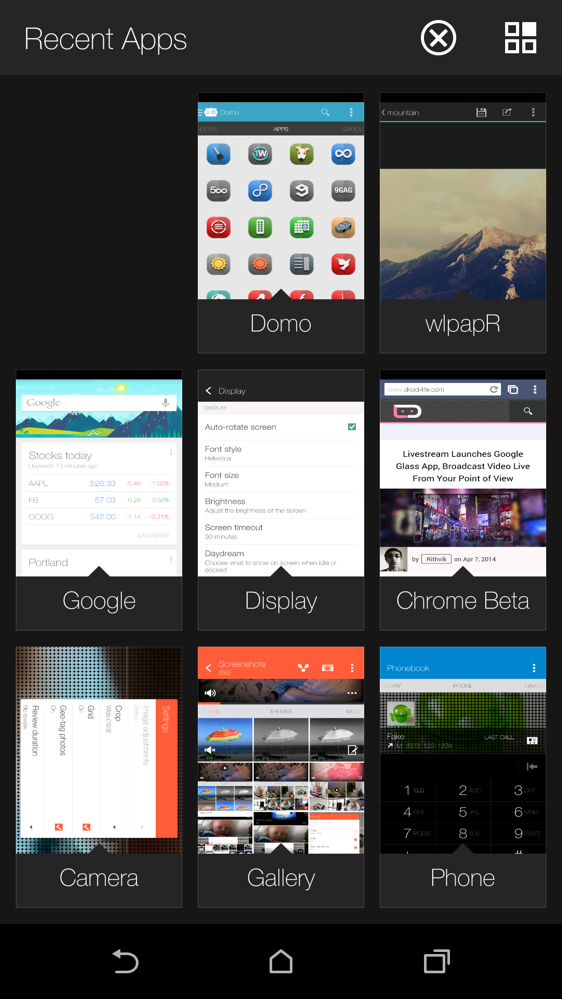
With its Snapdragon 801 processor and 2GB of RAM, there is no doubt that the One (M8) flies. In a world where it seems that OEM skins might bog down Android, as they only get more weighty with nonsense features and “bloat” applications, the One (M8) seems to have no real hiccups when performing day-to-day tasks. HTC appears to have slimmed down BlinkFeed’s interface, flattening the overall look of Sense, and made it easier to navigate. When shooting photos in the camera app, thanks to quite speedy response and focus times, you can easily whip out of the camera into an intense shooter game, with pretty much zero lag. When using HTC’s own multitasking feature, you can skip to the nine most-recently used apps, and you won’t have a problem. It’s rather impressive, but seeing as how it is 2014, and you would expect a company’s flagship device to have no performance issues, it is good to see HTC didn’t drop the ball. -T
Camera (Software)
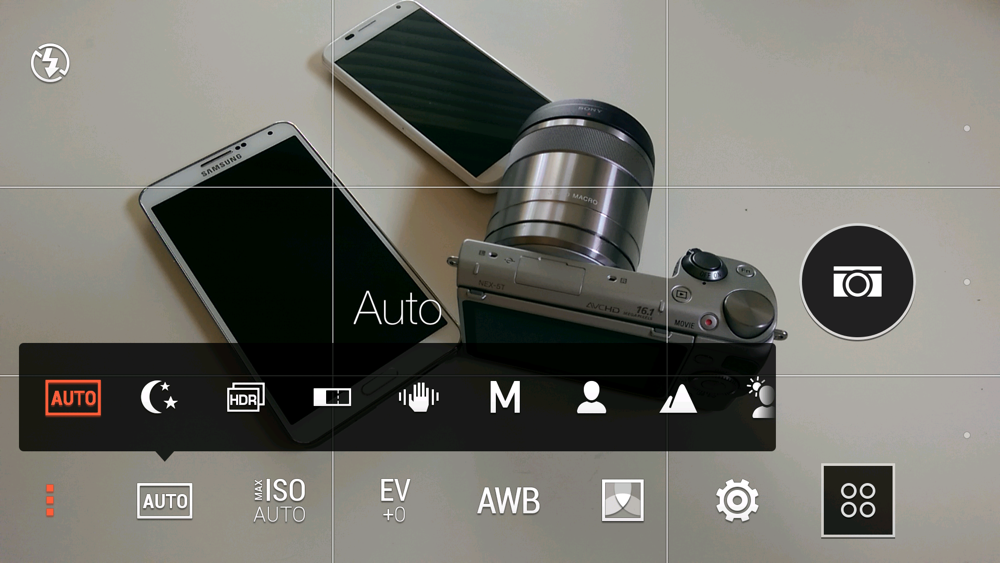
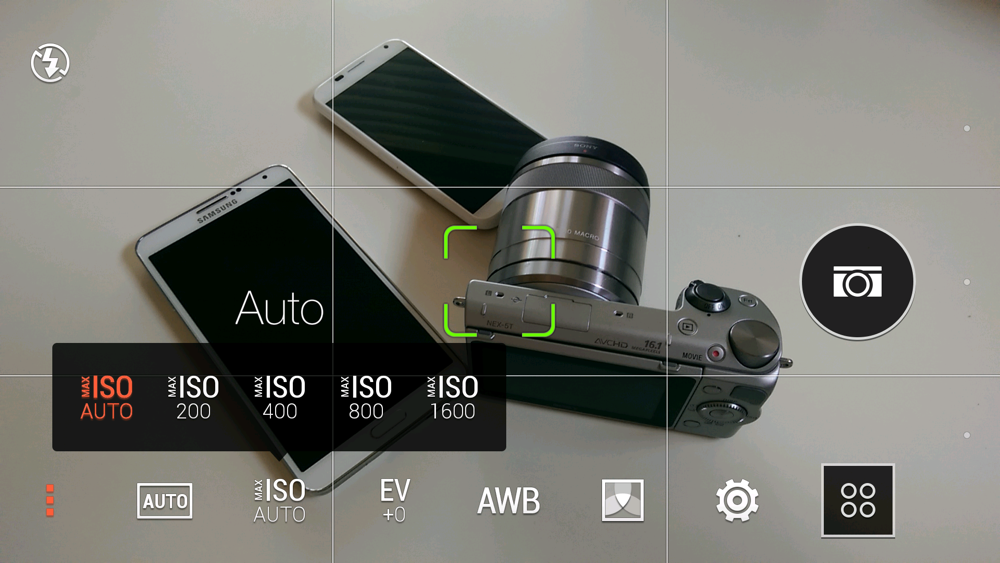
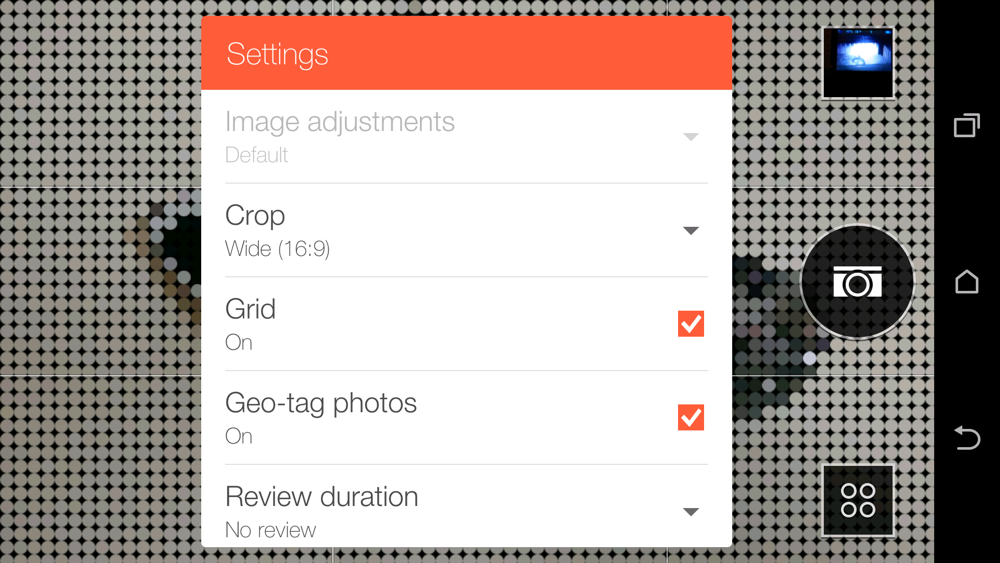
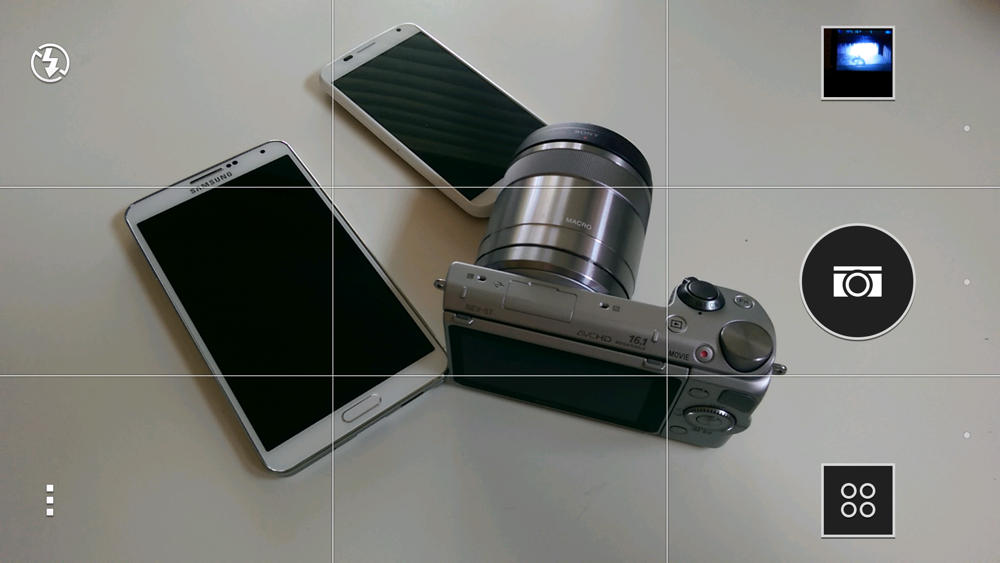
We’ll talk camera quality in a minute, but one thing is certain – HTC knows how to do camera software. The UI in the camera app has been simplified so that you can take pictures without having to worry about settings or filters or modes. With the camera launched, all you’ll see initially is a shutter button, flash toggle, menu for more settings, and another button that lets you switch modes. It’s incredibly well laid out for those of us who just want to snap pictures at will in Auto.
For those who want to get a little more out of their mobile cameras, HTC hasn’t disappointed here either. With the touch of a couple of buttons, you can manually configure your M8 camera and even save all the settings as a preset camera. You can switch to things like HDR, macro, panorama, backlight, and of course, manual. There are also filters for having fun on the fly.
htc one m8 review-1
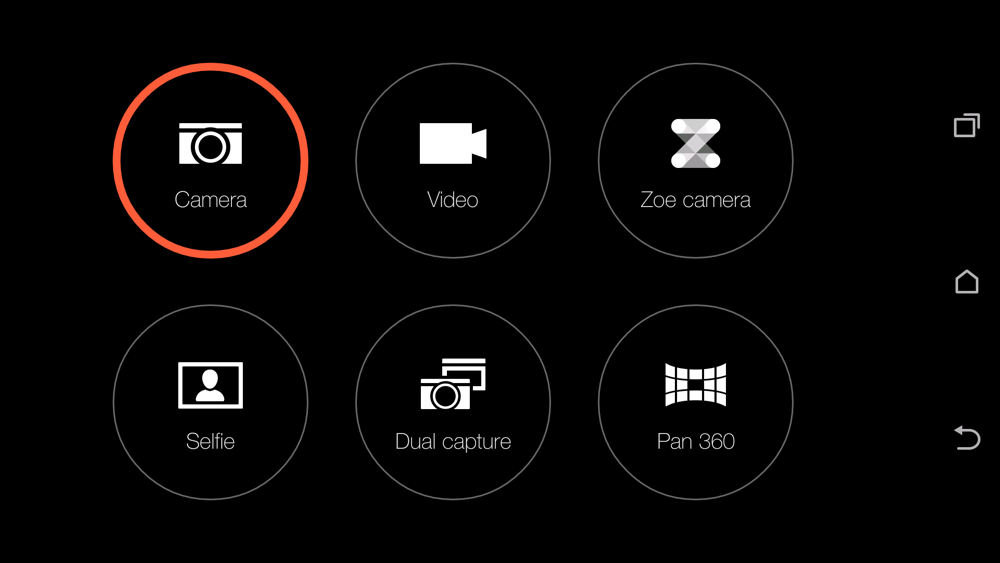
HTC’s Zoe camera has returned again this year as well, though it has been improved. Zoes are quick video clips that can be separated out into individual frames for later manipulation. Changes this year include the ability to take longer than 3-second Zoes and an option to turn Zoe straight into a video camera.
There are selfie modes that take advantage of the 5MP front camera, Dual capture for using both cameras at once, and a Pan 360 mode that is a fine-tuned version of Google’s Photo Sphere.
htc one m8 review-2htc one m8 review-3htc one m8 review-4htc one m8 review-5htc one m8 review-6
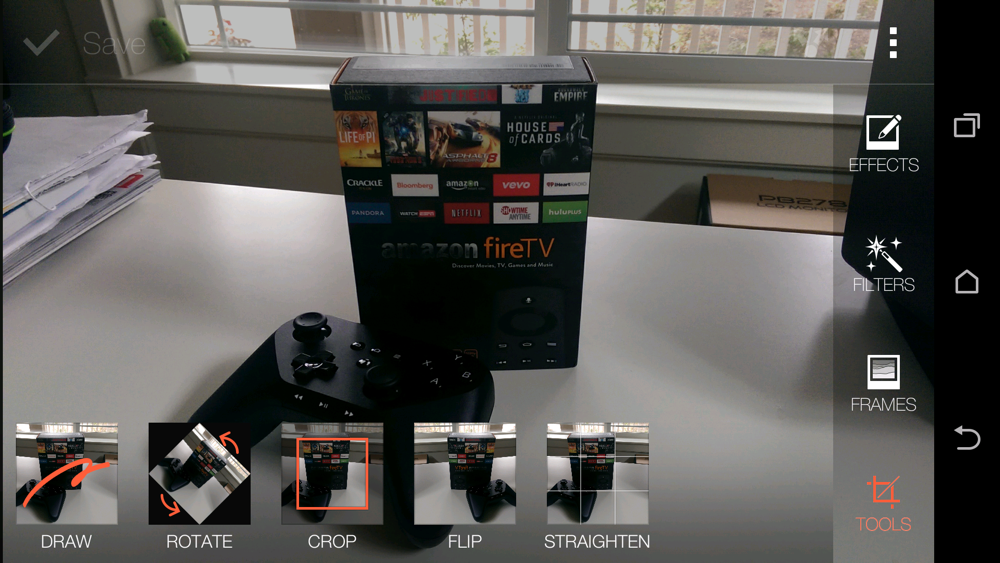
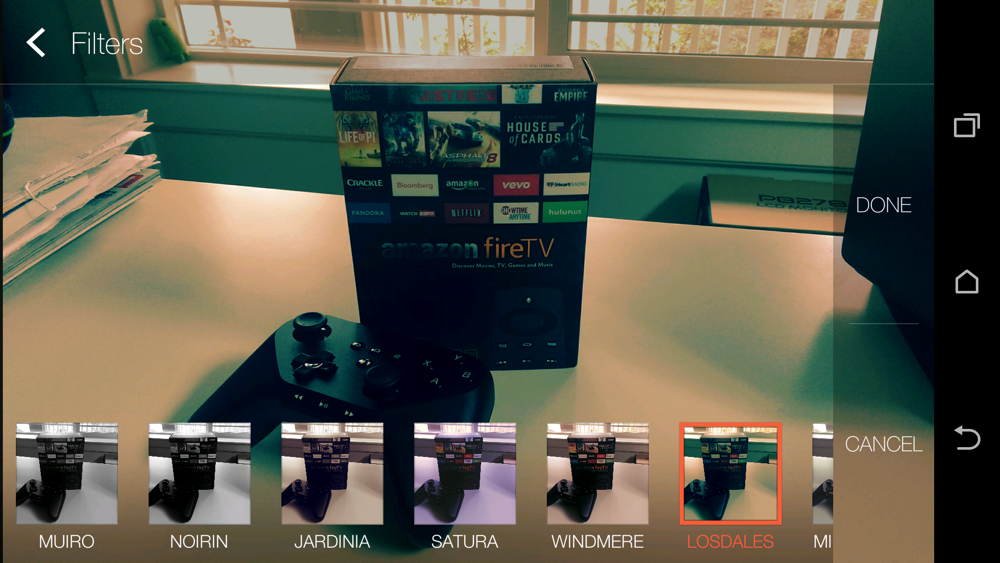
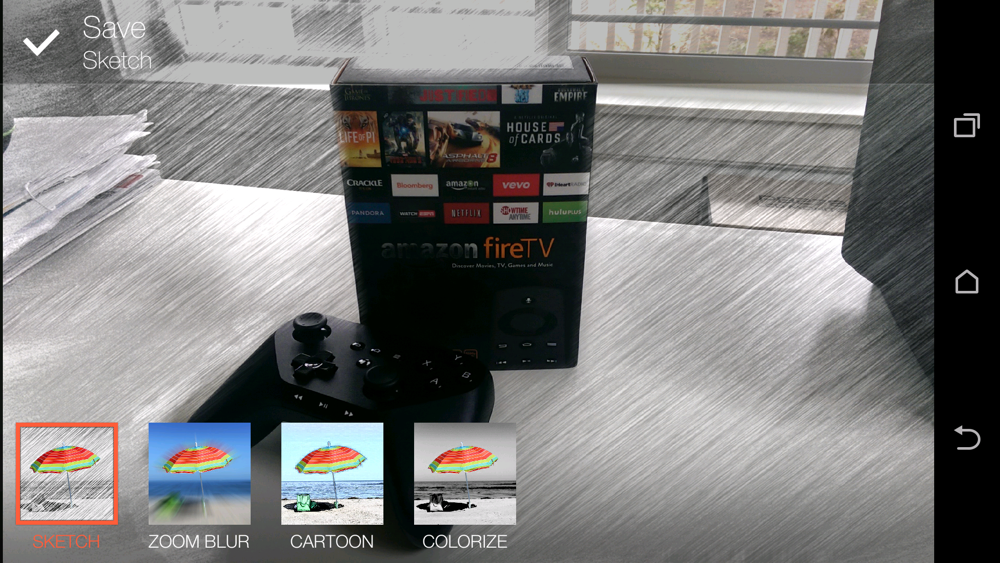
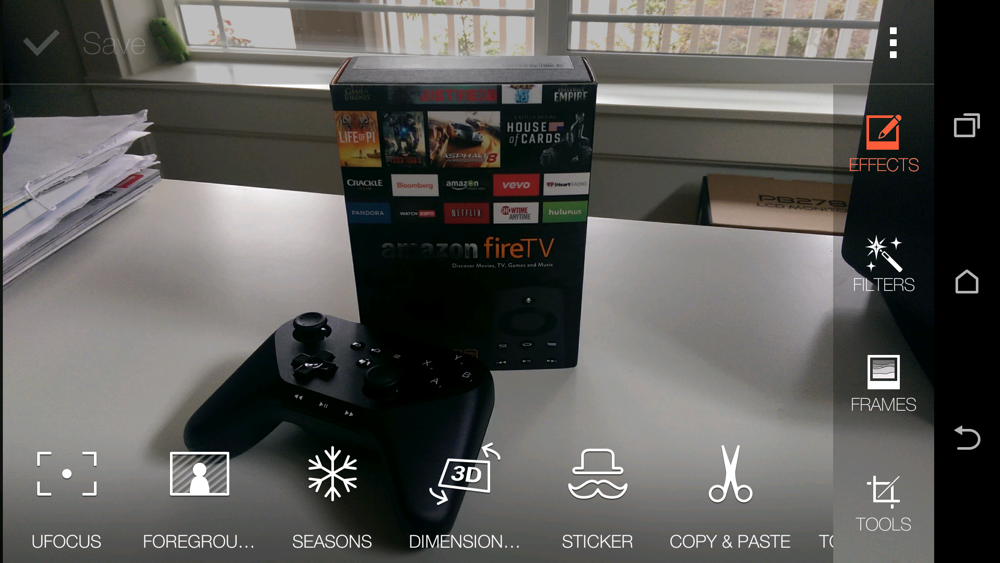
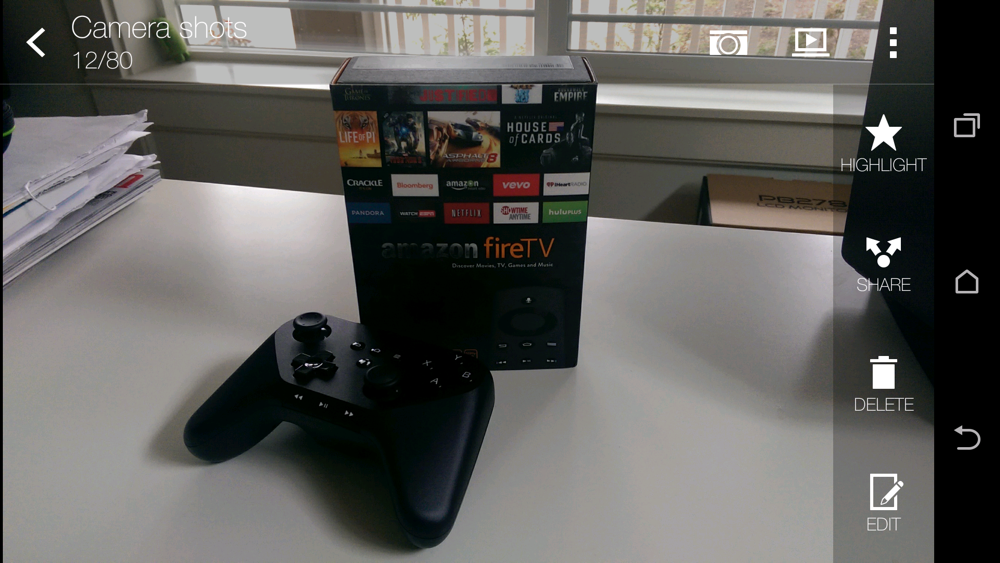
HTC isn’t just great at camera UIs and settings, though, they also know how to do photo editing. If you are looking for on-device tools that can help you crop and straighten, touch up, and filter to your heart’s desire. They included a couple of gimmicky new modes that attempt to take advantage of their Duo Camera setup, called UFocus, Dimension Plus, and Foregrounder. These modes are indeed gimmicks, but you could have some fun with them, assuming HTC can fine-tune their functionality.
Overall, HTC gets an A for their work in the camera software department. -K
htc one m8 review-5htc one m8 review-4htc one m8 review-3htc one m8 review-2htc one m8 review-1
BoomSound
BoomSound is back, and it’s back with a vengeance. Last year, HTC introduced dual front-facing speakers with Beats audio software on the One (M7). They sounded fantastic. On this year’s One, BoomSound still sounds full of bass tones, as well as crystal clear highs. If you listen to rock music, it’s easy for the One (M8) to claim your heart, as the sound expelled from its speakers are full of detail, with high hat hits ringing with clarity and guitar riffs sounding more crunchy than ever. I will agree with most when saying that BoomSound may not be the loudest speakers available on a smartphone, but they are without a doubt the best sounding. Would you rather have a single speaker peaking and cracking constantly or would you rather hear a full sound coming from completely capable speakers? It’s an easy choice for me, and if BoomSound could come stock on all smartphones, I would be a happy consumer. -T
htc one m8 review-2
Availability
HTC announced the M8 on March 25 and then also made it available for order from a number of carriers that same day. They even cooked up an exclusive deal with Verizon to have it immediately available in stores for a couple of weeks. So yes, you could walk into a Verizon store on the day HTC announced it, and buy it. Pretty cool deal, especially since companies like Samsung continue to announce phones and then make you wait months before you can buy them. For example, Samsung announced the Galaxy S5 in late February and yet you still can’t buy it at the time of this review.
HTC also made developer, unlocked, and Google Play editions available for pre-order on launch day, with shipping times of only a couple of weeks out. If you want the HTC One (M8), HTC is giving you more choices than we have ever seen before. If you want it unlocked, so that you can take it to a carrier of choice, you can. If you want to unlock the bootloader and tinker away, you can. If you want the phone, but can’t stand HTC’s Sense skin and instead want stock Android, there is an option for you. -K

Somewhere-in-the-Middle


Battery Life
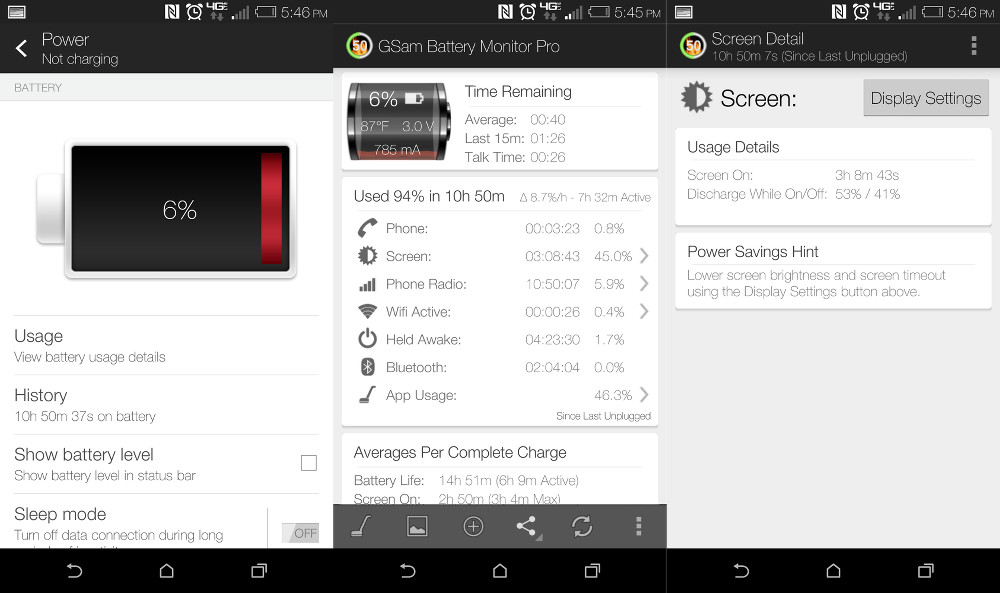
HTC claims that the new One (M8) could see upwards of 40% better battery life over last year’s M7, but I’m not sure I’m buying it. I saw average battery life in my testing on the 2,600mAh battery that wasn’t necessarily greatly improved over last year’s One. My testing typically includes multiple days in a row of nothing but 4G LTE, followed by a few with WiFi mixed in. On 4G LTE-only days, my phone was almost always begging for a charger after 10-12 hours of use and around 3 hours of screen-on time. That’s not terrible by any means, but also not game-changing. With WiFi enabled for longer periods of time, battery life extended well past the 16 hour mark, but that’s to be expected.
battery life1battery life2
So again, battery life isn’t bad and should get you through most days without needing to look for a charger. It’s definitely a phone, like most outside of the DROID MAXX, that is going to require you to charge it every single day. With a Full HD display that just begs to be looked at, I’d imagine you’ll be fine having to do that, especially since your current phone is probably requiring a similar charging schedule. -K
htc one m8 review-7
Camera
If you follow Droid Life on a regular basis, you know exactly how we feel about HTC’s decision to once again throw a 4MP camera into the One (M8) and then sell it as “UltraPixel” and what they feel is the best camera in a smartphone because it has the potential to pick up more light. We wrote a whole post on how this could be the worst of all smartphone gimmicks. With that said, the 4 “UltraPixel” camera on the M8 is what it is. It’s a smartphone camera that is capable of taking some decent pictures that are simply at a resolution (2688×1520) too low for today’s standards.
You may be able to take a really nice looking photo, well, at least nice looking on your phone. You could then share it to social networks who will only show the photo at a low resolution. The problems arise when you put that same picture on a high-resolution display, try to crop or edit the photo, or manipulate it in any way after the fact that involves zooming. You just can’t do much with a 4MP photo or you will lose all sorts of detail. Hell, take a picture with the M8 and then zoom in on the photo through the phone – you’ll know what I’m talking about. Things just start looking murky and unclear real quickly.
But you know what, many of you won’t need to look at photos on a high-resolution display, crop or edit them, or even need to zoom in to see details. And if that’s you, then this camera might actually be great. As you’ll see in the photos below, which have all been resized, the camera can capture great light, movement, colorful landscapes, shoot HDR, and take solid macros.
htc one m8 camera samples-11htc one m8 camera samples-6htc one m8 camera samples-8htc one m8 camera samples-5htc one m8 camera samples-3
htc one m8 camera samples-3htc one m8 camera samples-2htc one m8 camera samples-4htc one m8 camera samples-5htc one m8 camera samples-2
The camera is incredibly fast, so fast that you may not even realize that you have taken a photo. And remember, we love the software that is used to take and edit photos, so there are some really nice positives here. HTC Zoes are great for finding that perfect still, Pano 360 finally brings Google’s awesome Photo Sphere to another phone, the 5MP front camera will probably take the best selfies, and the suite of editing tools is top notch.
I will say that photos do seem to be overexposed at times and are often washed out depending on the light, just like with last year’s One (M7). HTC also took out optical image stabilization, so your low light performance and videos aren’t going to be as good. Again, the camera isn’t perfect, but it is capable.
In the end, the camera on the HTC One (M8) is certainly serviceable. It can take some really nice 4MP shots, they just happen to be only 4MP. If you don’t need extra resolution or care about editing after the fact, then this may be the camera for you. -K
HTC Sense 6.0
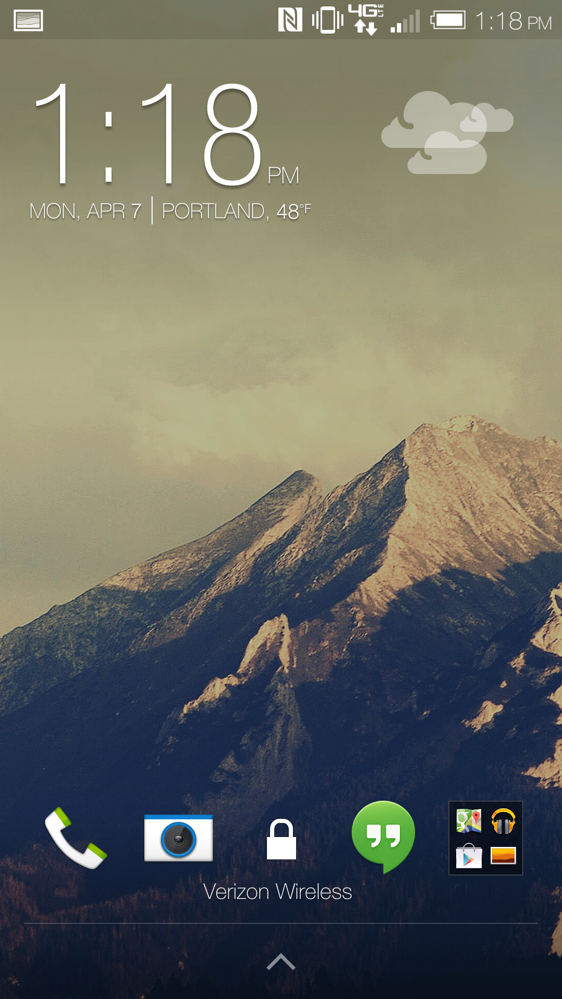
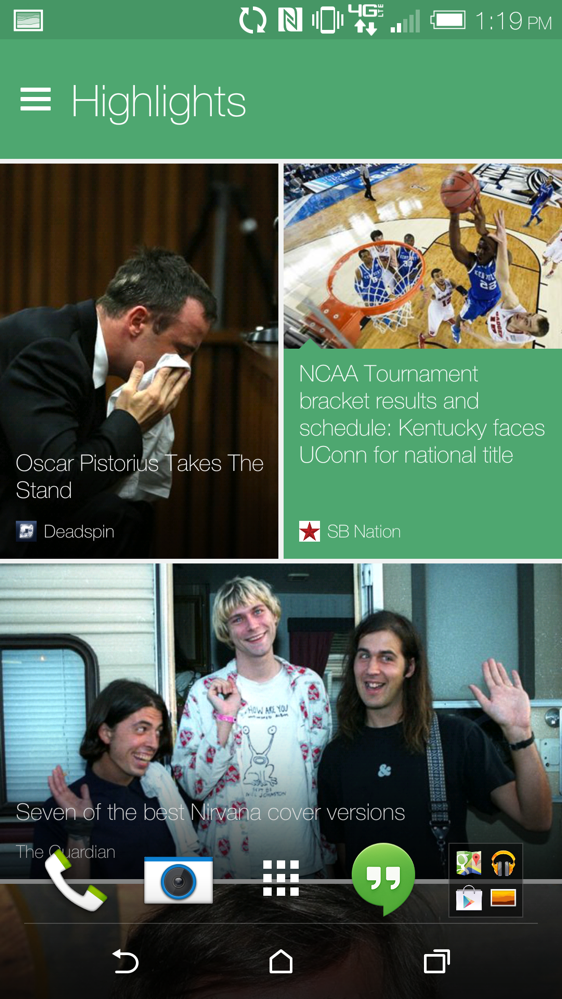
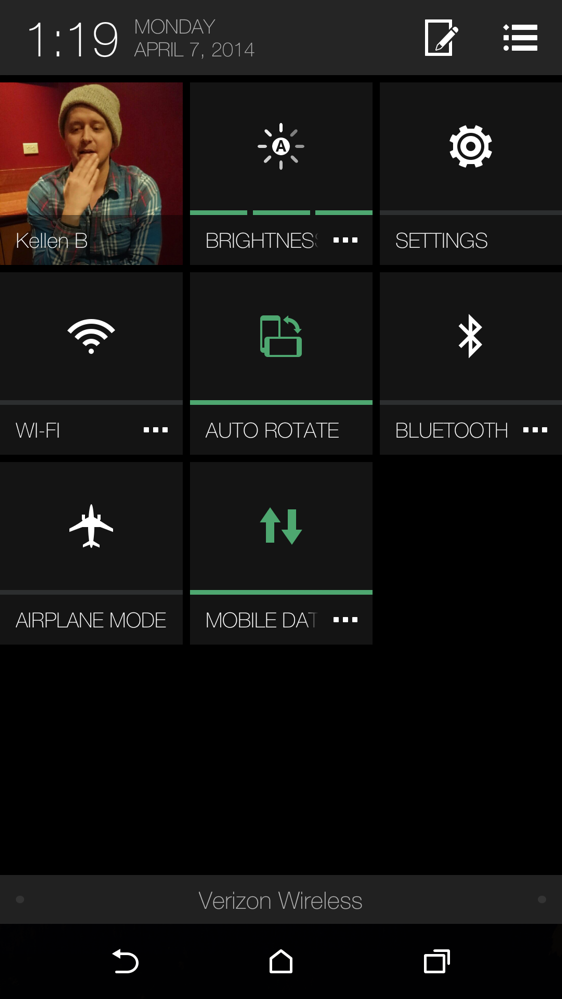
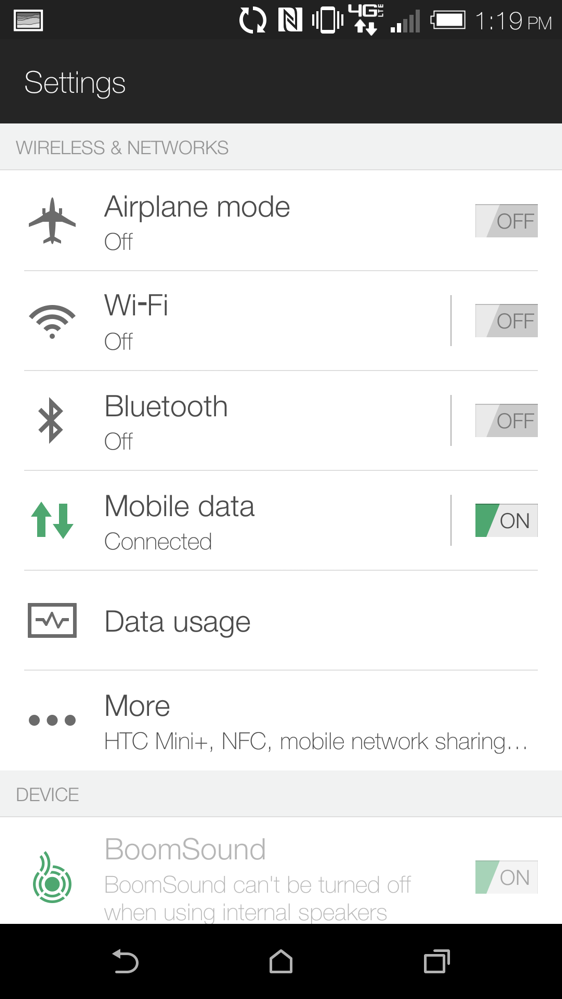
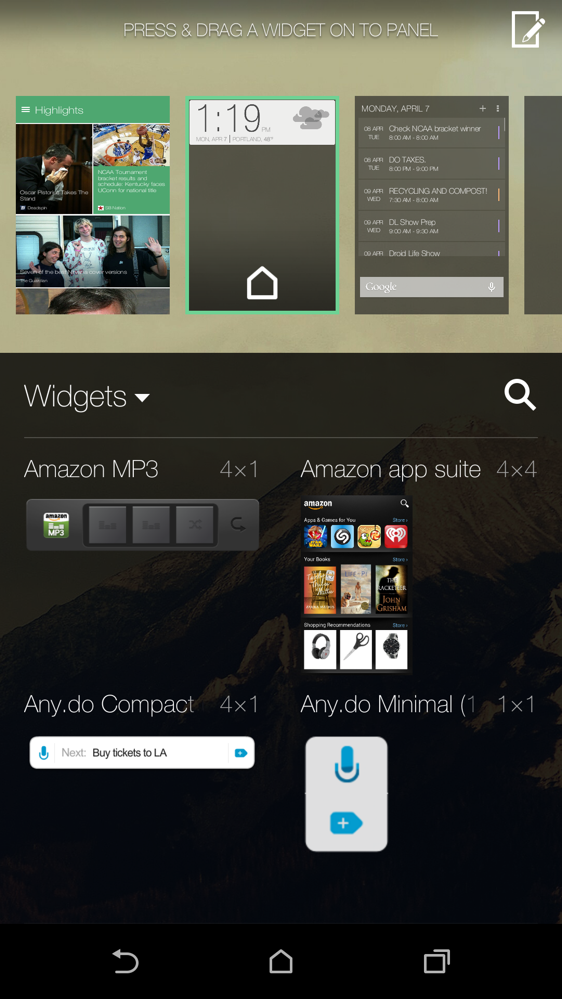
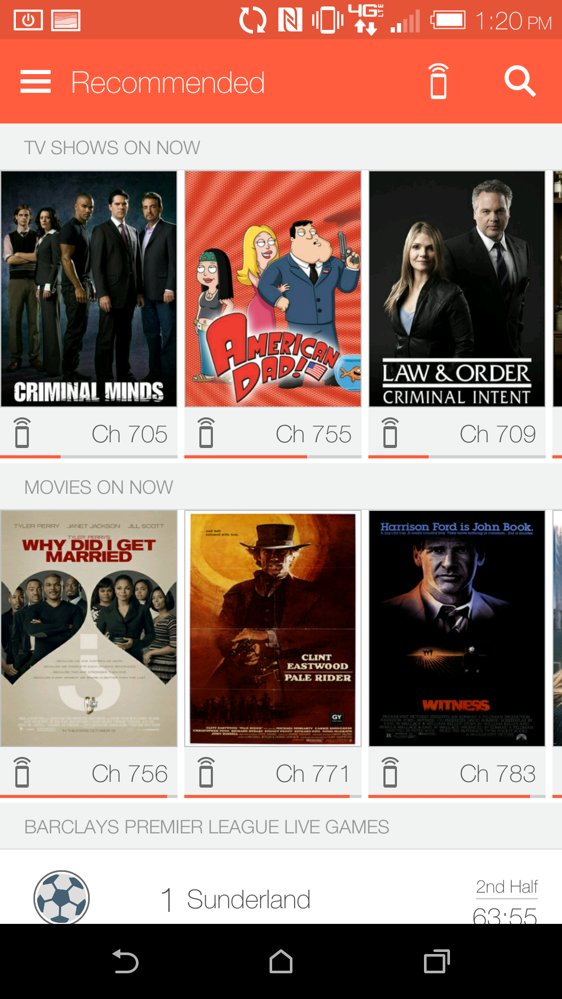
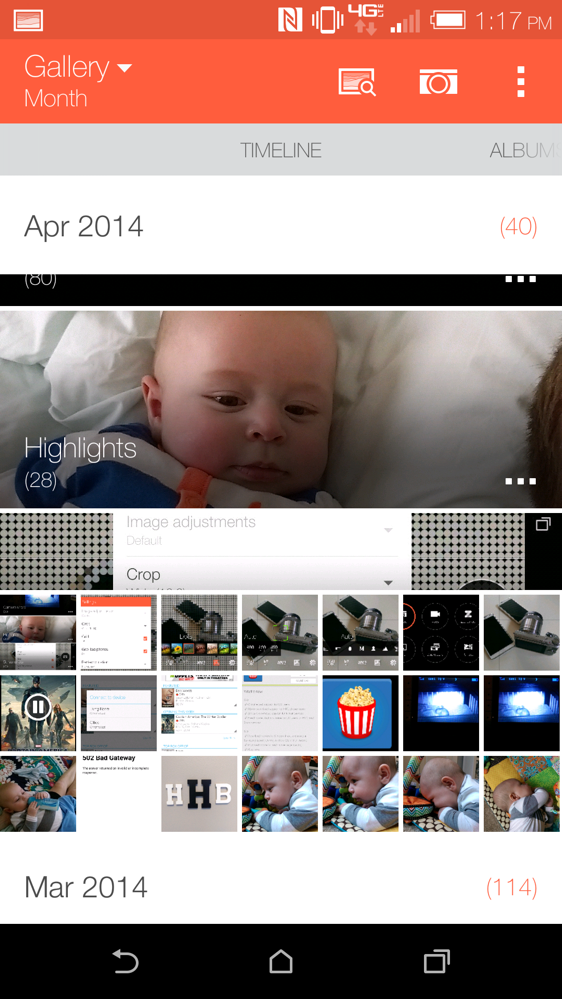
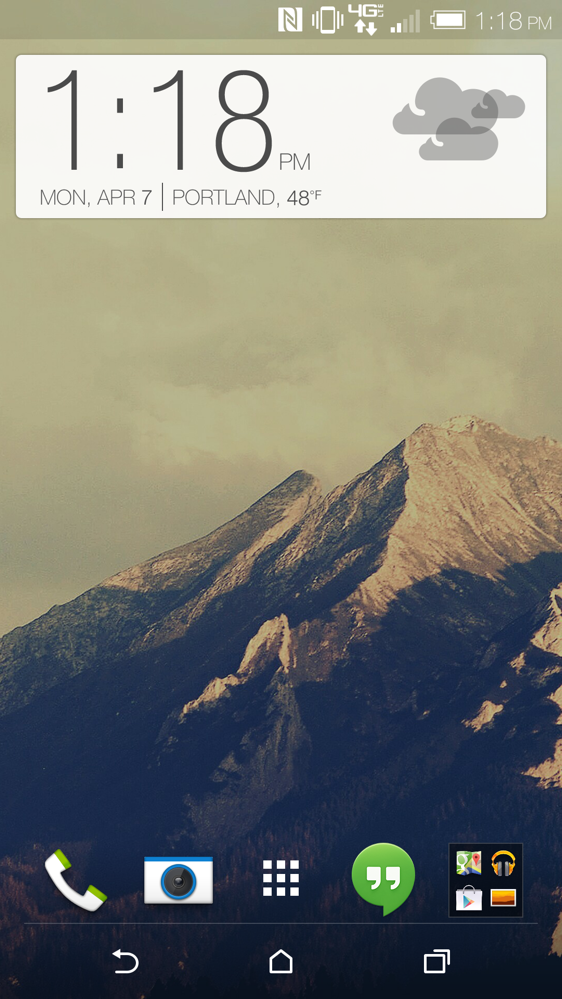
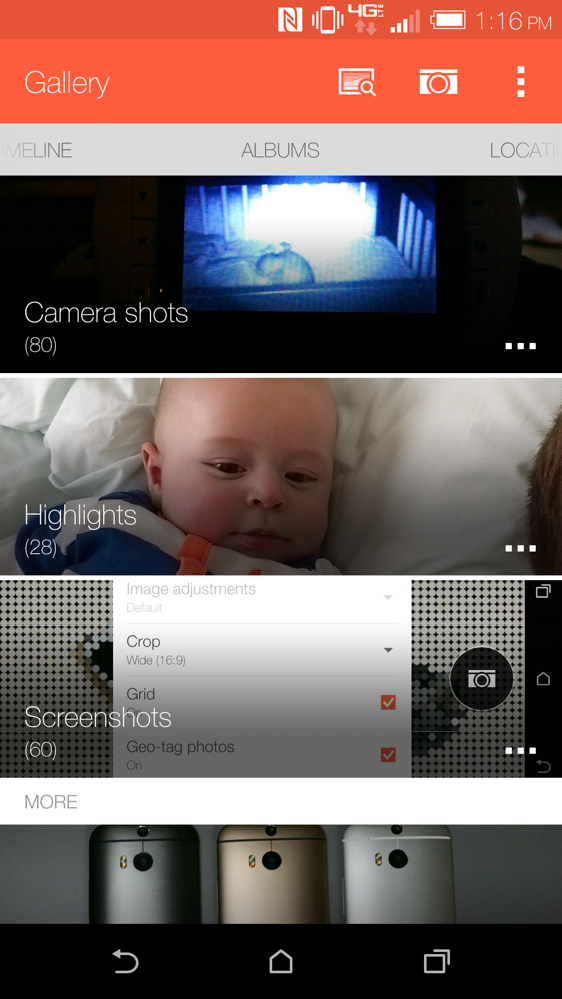
HTC’s Sense is no longer a bad Android skin. Actually, it’s pretty good for the most part. HTC has flattened the UI substantially, so it’s much more modern than ever before in version 6.0. BlinkFeed – my guilty pleasure – is back again, with more features and a better appearance. HTC added really useful Motion Launch gestures to the device, all of which can be used to activate the phone in some way without ever touching the awkwardly placed power button. HTC has a really great gallery app that can be used to create Highlights, videos of special occasions, parties, trips, or photo shoots. And their TV app is also one of the better in the business.
htc one m8 review-1htc one m8 review-2htc one m8 review-3htc one m8 review-4htc one m8 review-5
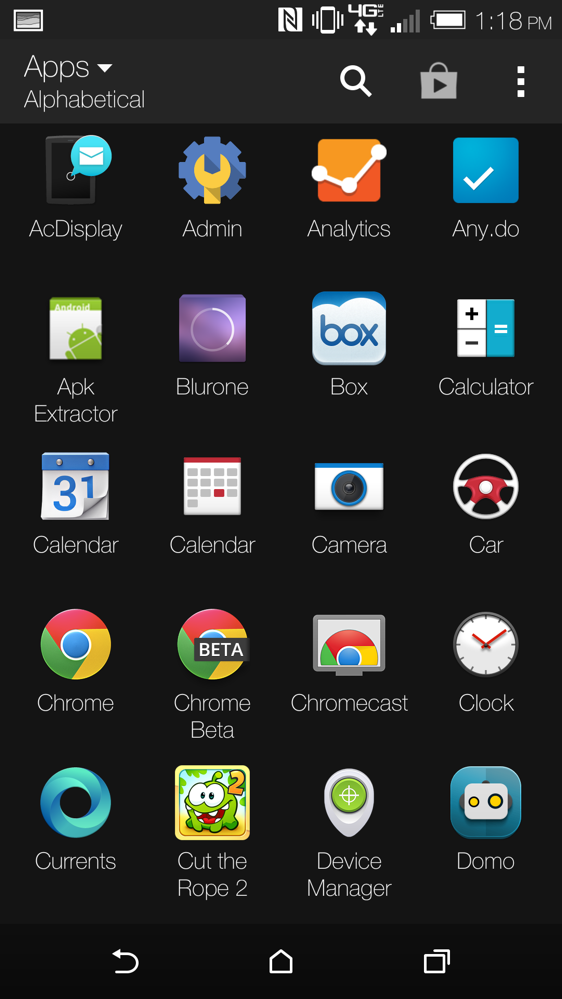
Sense still has many of its same, long-standing issues though. The multi-tasking UI isn’t quite as easy to use as the version Google created for stock Android, the People and contact management system is one of the most frustrating and overwhelming experiences of any Android skin, the app drawer scrolls vertically and has some questionable default layouts, the keyboard is just average, and HTC is still relying heavily on its Personalize menu to do most of its ringtone, wallpaper, and theme changing.
htc one m8 review-6htc one m8 review-7htc one m8 review-8htc one m8 review-9htc one m8 review-10
Overall, my feelings towards Sense are much more positive than they ever have been before. If HTC can work out some of those long-standing issues, I’d be close to calling it the best Android skin around. Actually, it probably is the best Android skin around, but that’s not saying much. -K
htc one m8 review-1htc one m8 review-2htc one m8 review-3htc one m8 review-4htc one m8 review-5

The Not-so-Good


Size, Weight, and the Slipperiest Phone Ever
The original HTC One (M7) was arguably too tall with its 4.7-inch display and massive bezels, but this new HTC One (M8) makes it look small, and not in a good way. Due to the design formula that includes dual speakers on the front, even more massive amounts of bezel, and an extra large black space that houses an HTC logo (and “circuitry”), you are looking at one of the most awkwardly long (or tall) devices you’ll ever lay your hands on. The M8 finishes at 146.3mm tall, which is just 5mm shorter than the Galaxy Note 3, a device that houses a display with a full 0.7″ of additional space. If you want to use the M8 with one hand, you’ll have to shimmy it constantly to get up to the notification bar.
In terms of weight, the One (M8) weighs 160g, which is quite heavy for a smartphone. Last year’s One (M7) weighed 143g, the Nexus 5, Moto X, and Galaxy S4 are all 130g. The weight isn’t going to make the device too heavy to hold, but you’ll certainly notice it in pocket.
And last, the One (M8) suffers from the same slippery exterior that plagued the original M7. It’s probably because of the all-metal design, but depending on the time of day, climate, moisture in the air, or whether or not you just lubed up your hands, this phone is incredibly slick. Because of its size and the need to adjust it in the hand regularly, the slipperiness worries me. Thankfully, HTC will replace a cracked screen within the first six months for free. -K

Other Notes


  • Bottom headphone jack:  You can try to argue with me about this point, but I’ll never change – all phones should have a bottom headphone jack. Bottom headphone jacks keep the cord out of your way when holding the device, allow you to place your phone in a pocket the appropriate way, and make it super easy to use while in a car, should you use an auxiliary jack. Thankfully, the One (M8) has a bottom headphone jack. -K
  • No wireless charging:  The M8 does not have wireless charging built into that beautiful all-metal body. You may find a bulky 3rd party accessory that will attempt to add the feature to the phone somewhere down the road, but that’s it.
  • Non-removable battery:  The 2,600mAh battery in the M8 is non-removable. Most phones, outside of Samsung’s, have gone this route for years so it shouldn’t exactly come as a surprise, though we know some of you love being able to swap batteries.
  • MicroSD cards up to 128GB:  The M8 supports micro SD cards up to 128GB. That’s awesome, even though Google is trying its hardest to kill off compatibility in Android for external cards. If you pick up the 32GB version of the M8, you could potentially bring the total amount of storage up to 160GB. That’s insane.
  • On-screen buttons!:  Ever since Google introduced us to on-screen navigation buttons with the Galaxy Nexus, we have been sold on this as the way all phones should be. HTC followed suit this year, giving us standard on-screen buttons in favor of that awkward 2-button setup they had on last year’s One. You can access Google Now at any time, jump to previously used apps in a hurry, and never wonder again if you are hitting the right button.

REVIEW: SAMSUNG GALAXY S5

Samsung Galaxy S5 Review

galaxy s5-5
The first half of the last two years has been all about the competition between HTC and Samsung’s new flagships. This year, the battle became testier than ever thanks to HTC calling out Samsung for what it perceived to be a lack of innovation and the continued use of plastics in its Galaxy S5. While you could argue that HTC is either wrong or right, there is no denying the continued success of all things Samsung, with the Galaxy S5 likely only continuing the trend.
We aren’t necessarily going to try to settle the battle between these two (that is up for you to decide in the end), but after having reviewed HTC’s new One (M8), it is now time for us to share our thoughts on Samsung’s Galaxy S5. Tim and I have spent three weeks with the phone, so as you can imagine, we feel like we have a pretty good grasp on everything it has to offer. And just like with our M8 review, we have tag-teamed this one.
This is our Galaxy S5 review. 

The Good


Specs
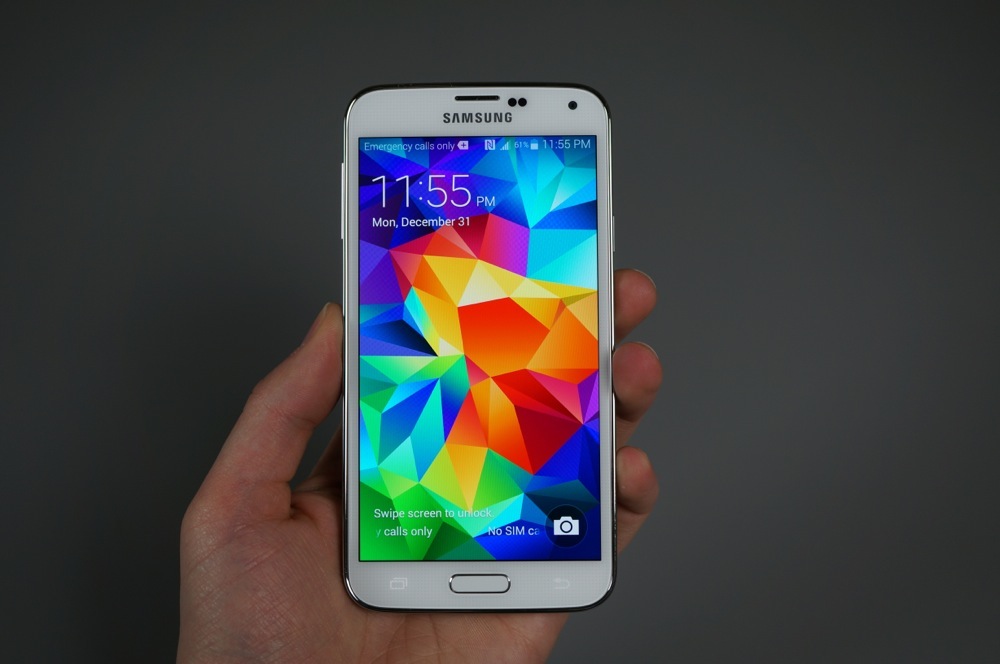
Much like Samsung’s previous flagship Galaxy S devices, the Galaxy S5 does not disappoint on paper. The device features a gorgeous 5.1″ 1080p Super AMOLED display with a resolution of 1920 x 1080 (432 ppi), a Snapdragon 801 quad-core processor clocked at 2.5GHz, 2GB of RAM, an Adreno 330 GPU, massive 16MP rear-facing camera sensor, 2.1MP front-facing camera, removable 2,800mAh battery, the world’s first dedicated heart rate monitor in a smartphone, a fingerprint scanner, expandable storage thanks to a microSD card slot, Bluetooth 4.0, NFC, 4G LTE connectivity, and finally, comes running Android 4.4.2.
As mentioned, on paper, this device should be an insane flagship from Samsung. As we have seen with other devices, specs are only a small portion of a much larger picture, though. From our time with the device, Samsung’s continuous assault on Android with loads of pre-installed software somewhat bogs down the performance of the Galaxy S5, but the specs clearly speak for themselves.
Before release, rumors had pointed to Samsung throwing in a QHD display (2560 x 1440) into the Galaxy S5, but that didn’t pan out. Whether that is a good or bad thing is hard to say, given that we don’t know quite yet how having a QHD display on a smartphone will affect battery life and performance.
Speaking in just terms of specifications for a smartphone, the Galaxy S5 easily has other handsets from different manufacturers beat out. -T
galaxy s5-4
Display
In a report released just days before the Galaxy S5 went on sale across the globe, DisplayMate called the phone’s display the “best performing smartphone display that we have ever tested.” I would have to say that I agree with that idea. This display is stunning to look at. The Galaxy Note 3 probably had my favorite display up until this point, but the GS5′s 5.1-inch FHD Super AMOLED display tops it. As an AMOLED, the colors aren’t oversaturated (a critique often expressed in the past when compared to LCD panels), but they certainly seem to have that “pop” that we love without looking unnatural.
galaxy s5 display-1galaxy s5 display-2
Brightness levels are outstanding, the different modes (Cinema, Standard, Dynamic, Photo) allow you to adapt it your current needs (Cinema is said to be the most accurate), screen sensitivity is as good as it is on any Android phone, and the viewing angles are some of the best we have seen to date. Videos look stunning and photo viewing will impress even the pickiest of pixel pros. This is the display you should want in all of your phones.
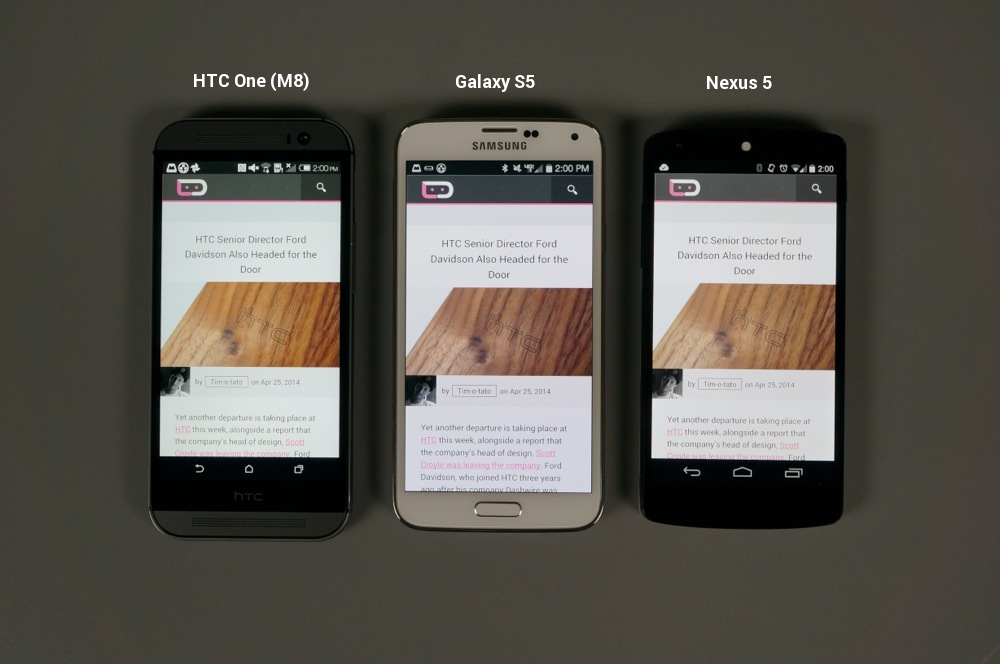
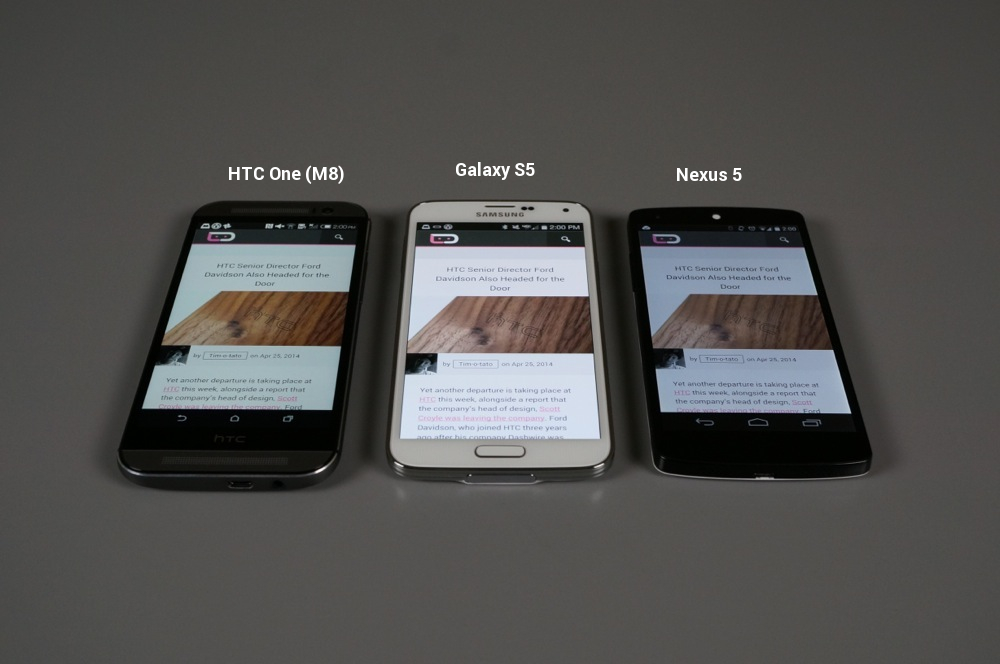
If you take a look at the comparisons (above-right) of the GS5 to the One (M8) and Nexus 5 at full brightness, you can see how much better the viewing angles hold on the Galaxy S5. When looking at all three from the top down, they all look mostly the same, but the tones on the GS5 come off a bit richer than the other two. My eyes tend to see LCD displays washing out colors, which to me is what we are seeing on the wood of the image on the LCDs of the N5 and M8, along with the grey top bar on the Droid Life home page.
gs5 macro1gs5 macro2
Pixel gurus, you will find the diamond arrangement (above) on the Galaxy S5 to be quite odd looking when spied at it through a macro lens. With that said, your eye can’t see this arrangement without a macro lens, so you won’t notice it when viewing the phone at a normal distance. Sure, it’s not a typical pixel arrangement like you would find on the One (M8), but it produces beautiful results. -K
Camera
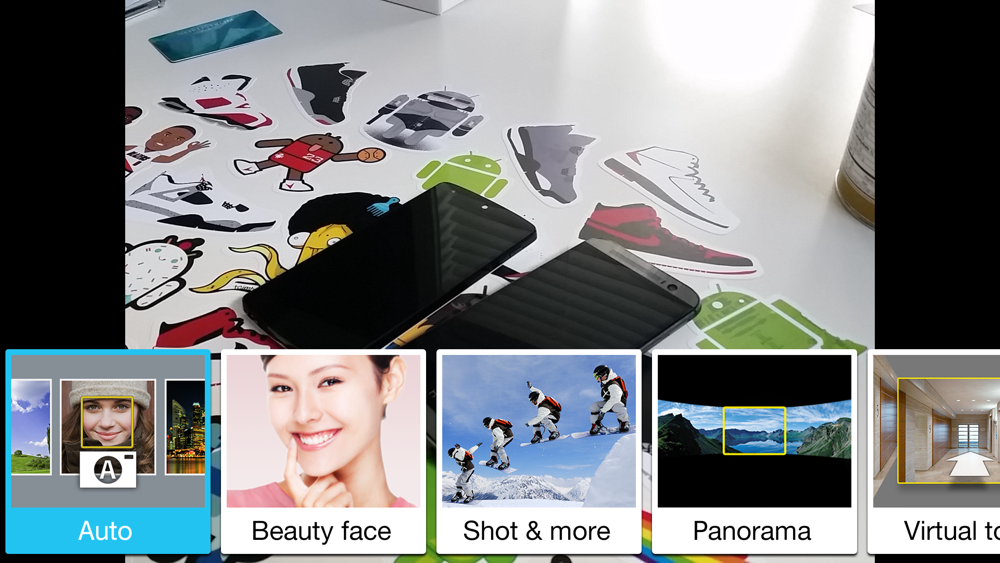
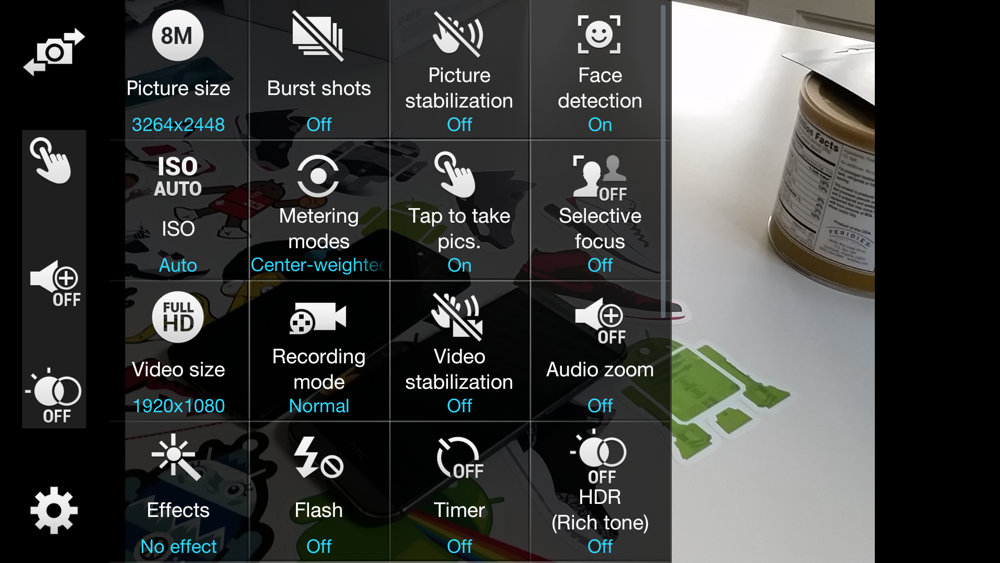
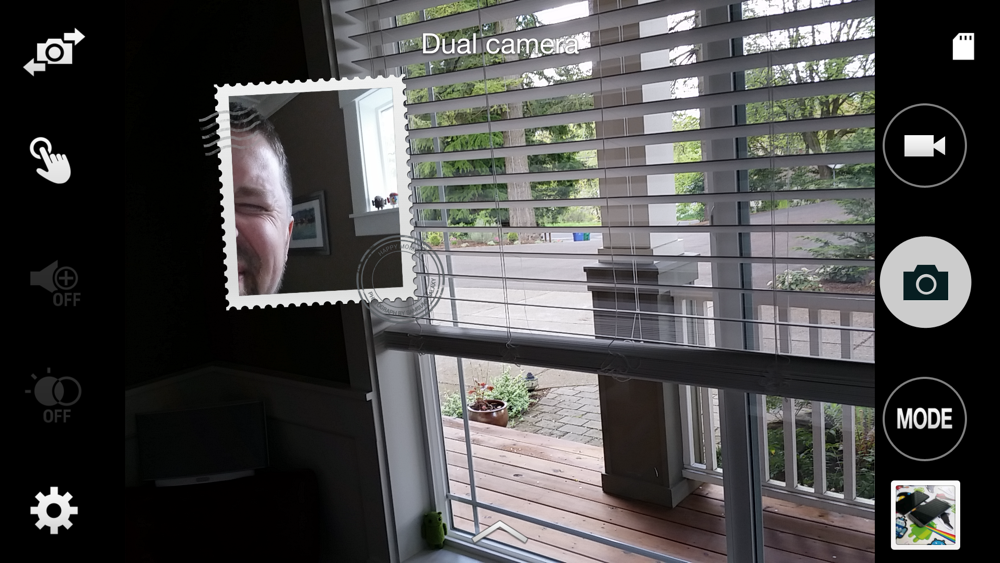
The camera on the Galaxy S5 is very good for a smartphone. With its 16MP sensor, Samsung is once again leading the charge on Android when it comes to mobile optics. While the camera software has more features than you’ll probably know what to do with, Samsung has at least tried to hide most of them in a Settings menu so that you don’t feel overwhelmed. But if you want to adjust exposure, change to specific modes, use HDR, toggle flash, set a timer, detect faces, or shoot in burst mode, you can. It really is all there, plus Samsung will even let you download new shooting modes for those specific situations where you want to have some extra fun with your smartphone camera.
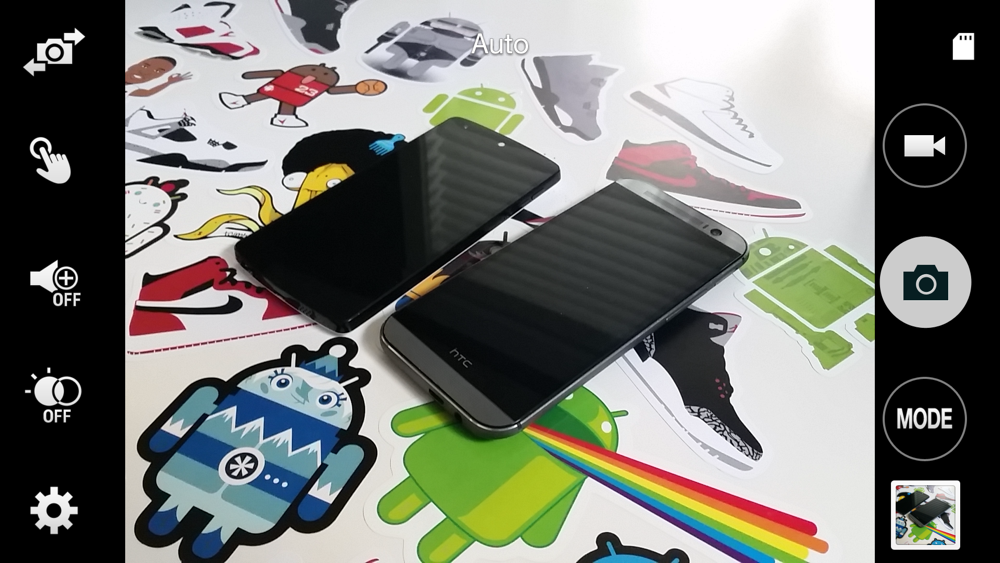
The UI in general, though, is much better than in years past. First of all, you can quickly access the camera from the lock screen of the phone with a simple swipe up from the camera icon in the bottom right corner. Once inside, you’ll see your shutter, video, mode, and gallery buttons on the right. On the left, you have a button for switching between front and rear cameras, plus three customizable shortcuts, and then a full settings menu. I’ll admit that there are too many buttons, but they aren’t necessarily placed poorly. And, once you take advantage of those three shortcuts, I think you’ll find the camera UI to be quite good. It’s nothing new or refreshing like Google’s new Camera, but it works.
galaxy s5 camera-1galaxy s5 camera-2galaxy s5 camera-3galaxy s5 camera-5galaxy s5 camera-4
If you want to talk photo quality, look no further than the photo below, that Tim took. Can you see the amazing detail on that bug? If not, click here to see a crop. Thanks to the 16MP resolution, this is what the camera is capable of, something the HTC One (M8) will never be able to replicate with its 4MP sensor.
The rest of our samples show the brilliant color the Galaxy S5 is capable of capturing, how well it takes macro shots, its ability to capture a face, how well it takes landscape shots that contain different levels of shadow and light, and how its selective focus can create solid bokeh for a camera that only has a single lens (yes, we are looking at you, HTC).
I will say that Tim’s 16:9 shots all seem to have correct exposure and accurate color, while the photos I shot in 4:3 often look overexposed. I also ran into issues indoors while at the Trail Blazers’ arena where the camera couldn’t handle the crazy amount of unnatural light and gave me all of four acceptable photos out of 10-15. The rest of my results were perfectly fine.
galaxy s5 samples-6
galaxy s5 samples-4galaxy s5 samples-2galaxy s5 samples-3galaxy s5 samples-5galaxy s5 samples-7
galaxy s5 samples-1galaxy s5 samples-8galaxy s5 samples-1galaxy s5 samples-2galaxy s5 samples-3
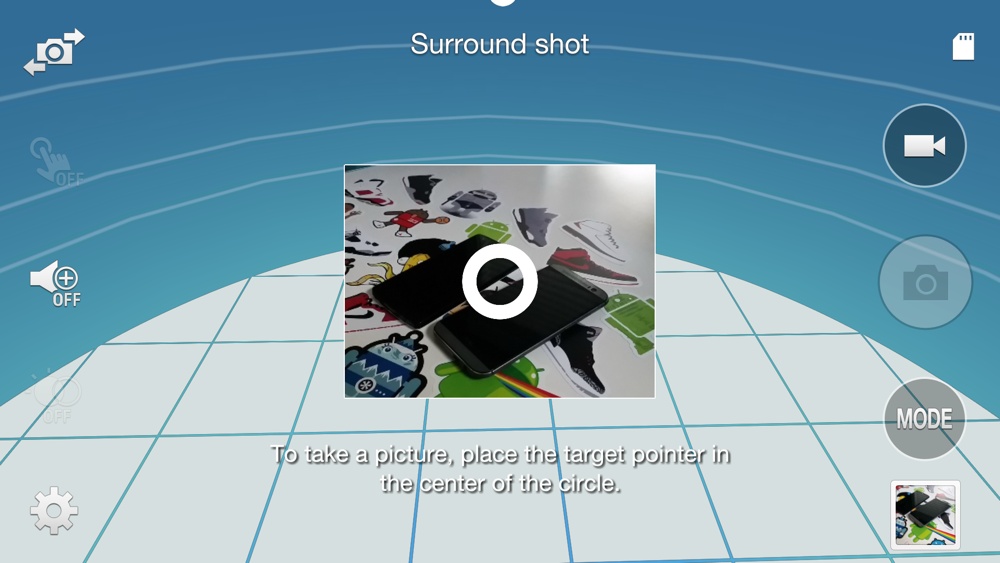
The Galaxy S5 features a couple of notable shooting modes that are worth pointing out too. You should most definitely download Surround Shot (Mode>Download), as this is a take on Google’s Photo Sphere. In the Settings menu, there is also a mode called Selective Focus, which allows you to refocus photos after you have taken them.
Overall, the camera on the Galaxy S5 did not disappoint. You may want to play with the exposure depending on the setting, but overall, the camera straight out of the box is capable of taking brilliant photos with high amounts of detail and punchy colors that are certainly share-worthy.
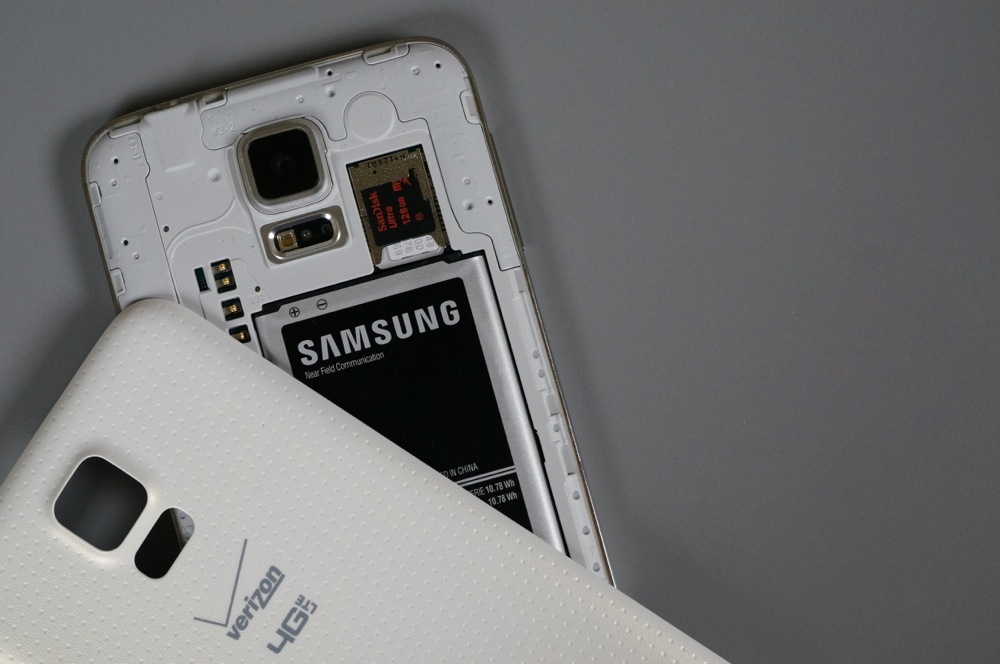
Removable Battery, SD Card Slot, and Wireless Charging
Samsung continues to stick with a handful of features that others continue to either ignore or move away from. First, they put a removable battery in the Galaxy S5, just like they have with all of their phones. This means you can swap batteries when in need, but also potentially change the look of your phone by tossing on a new back cover. Second, Samsung included a micro SD card slot as well, that holds up to 128GB cards. Google wants the SD card to die a quick death, but Samsung has realized that its users want the extra, removable storage. And last, Samsung has already created a line of wireless charging accessories (not quite available yet, though) because they realized the benefits of not having to plug in your phone each time, especially with the new flap that covers the charging port on the GS5.
It’s these little things that help Samsung phones stand out from others, in my opinion. I for one, love having expandable storage even if developers hate it. I also like being able to lay my phone down on a charging pad without ever needing to find a cable. -K
galaxy s5 review-2
Availability
As is tradition, Samsung continued to make the Galaxy S5 one of the most widely available devices in the entire world. Global launch took place on April 11, with roughly 125 countries having access to it. Here in America, all of the major carriers like Verizon, AT&T, T-Mobile, and Sprint had the device on launch day, available for $199 on contract. The device to this day is still purchasable for the same $199 price on contract, but can be also picked up for $599-$649 off contract depending on which carrier you go through.
If subsidies or locked bootloaders aren’t your thing, there is a Developer Edition of the Galaxy S5 in the works, which is reported to come to Verizon and other carriers at some point down the road. As we saw with the Galaxy S4, there could also be a Google Play Edition of the Galaxy S5 coming, but there has been no word or confirmation from Google or Samsung as to whether it will actually happen.
With availability of the device so open across the world, it’s no wonder why Samsung is so strong in the Android marketshare numbers. -T
Accessories
Ever since Samsung started producing a single device in a single form factor for all carriers across the globe, an overwhelming amount of accessories have been available. With a single design, accessory manufacturers have flocked to their devices, so you are almost guaranteed to be able to find something you will like for the Galaxy S5, whether it be a new slim case, an ultra-protective cover, screen protector, or dock. And since everyone is producing Galaxy accessories, you will find them priced reasonably as well. The more options, the more competitive the pricing has become. -K
galaxy s5 water-8
Water and Dust Resistant
On the water and dust resistance scale, the Galaxy S5 weighs in at IP67. The 6 means it has complete dust protection and should be sealed fully. The 7 means that it is water resistant in up to 1m of water for 30 minutes. That’s not bad at all, especially if you plan on dropping your phone in a toilet, sink, or puddle of water occasionally/accidentally (not recommended). It should survive all of that over and over again, assuming you have the back battery cover and micro USB port cover sealed properly. Thankfully, Samsung will remind you constantly to check the seal on both of those locations in case you run into a situation where you need that Ip67 protection to come into play.
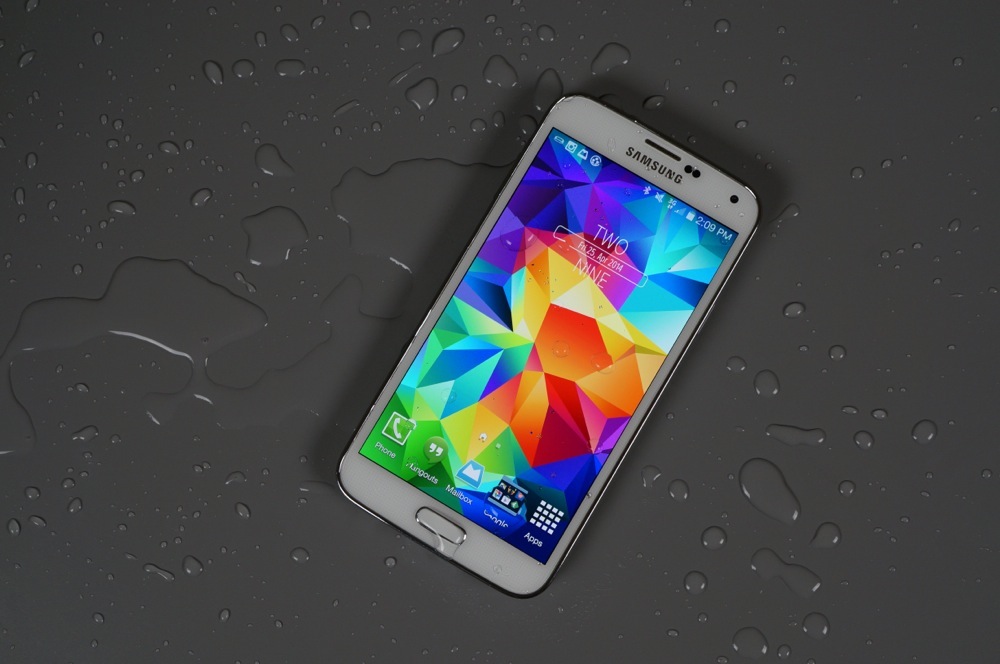
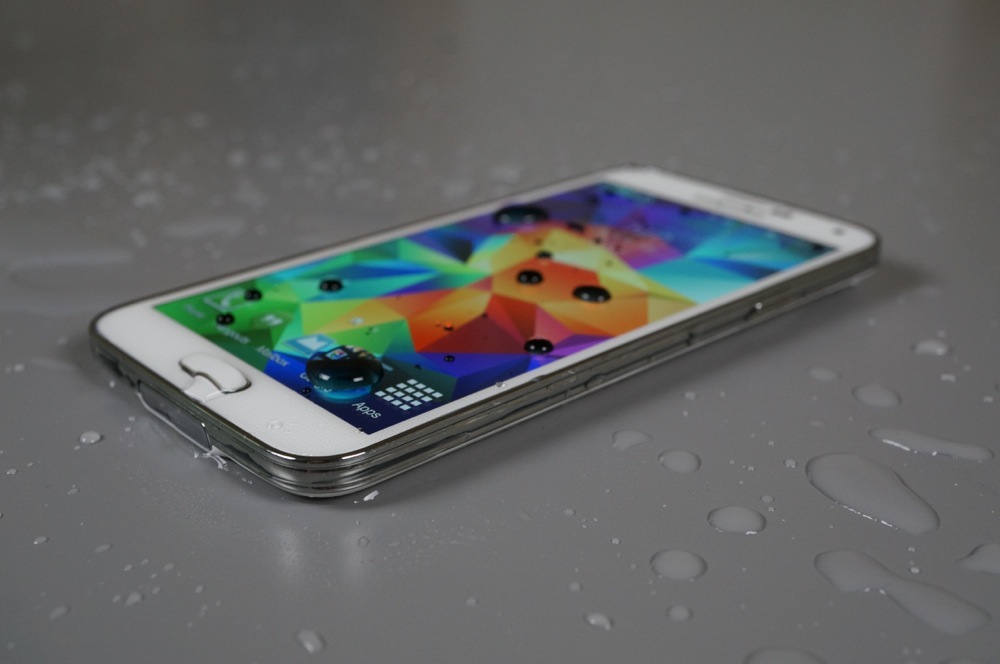
During my quick water test, I took the Galaxy S5 and dunked it for a minute or two in vase full of water. I then laid the phone on a table, dropped more water all over it and snapped some pretty pictures of the results. As you would expect, the phone survived and still works just fine to this day.
Keep in mind that the phone is water resistant, not waterproof. This is not the ultimate, survive-all, kind of phone, but it was built to survive some of those common situations I mentioned above. The fact that Samsung made it IP67 is a bonus in our book. -K
galaxy s5 water-6

Somewhere-in-the-Middle


Battery Life
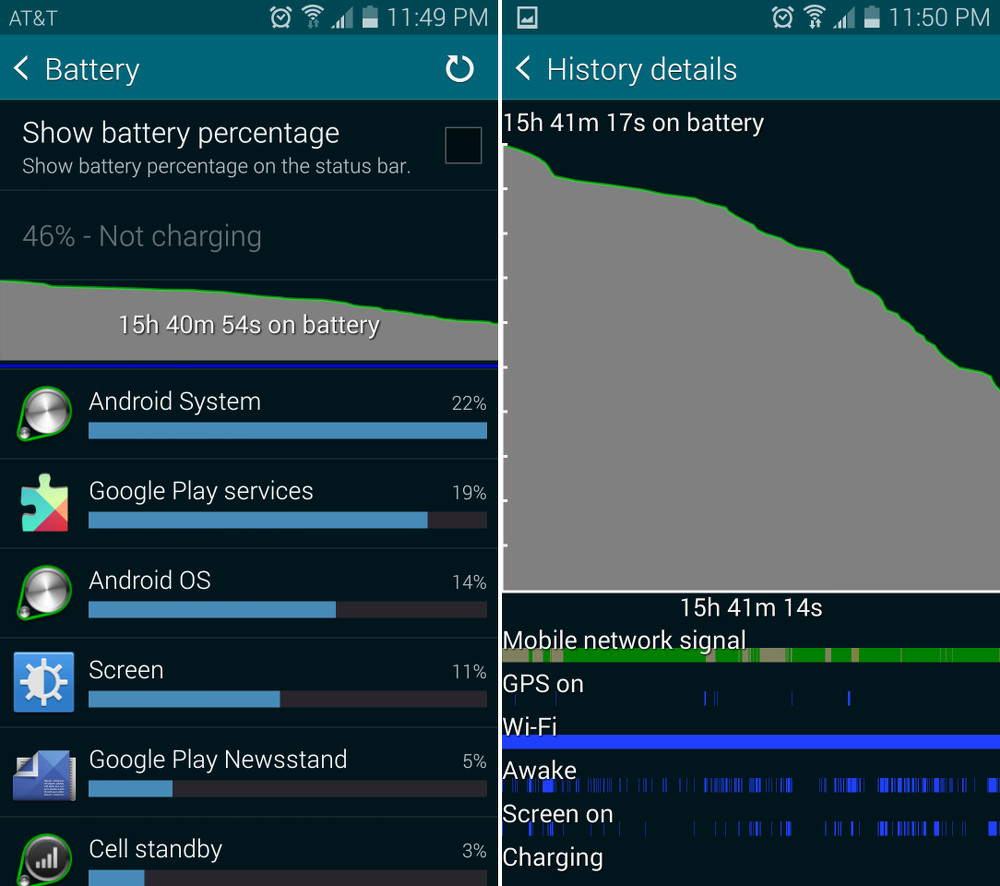
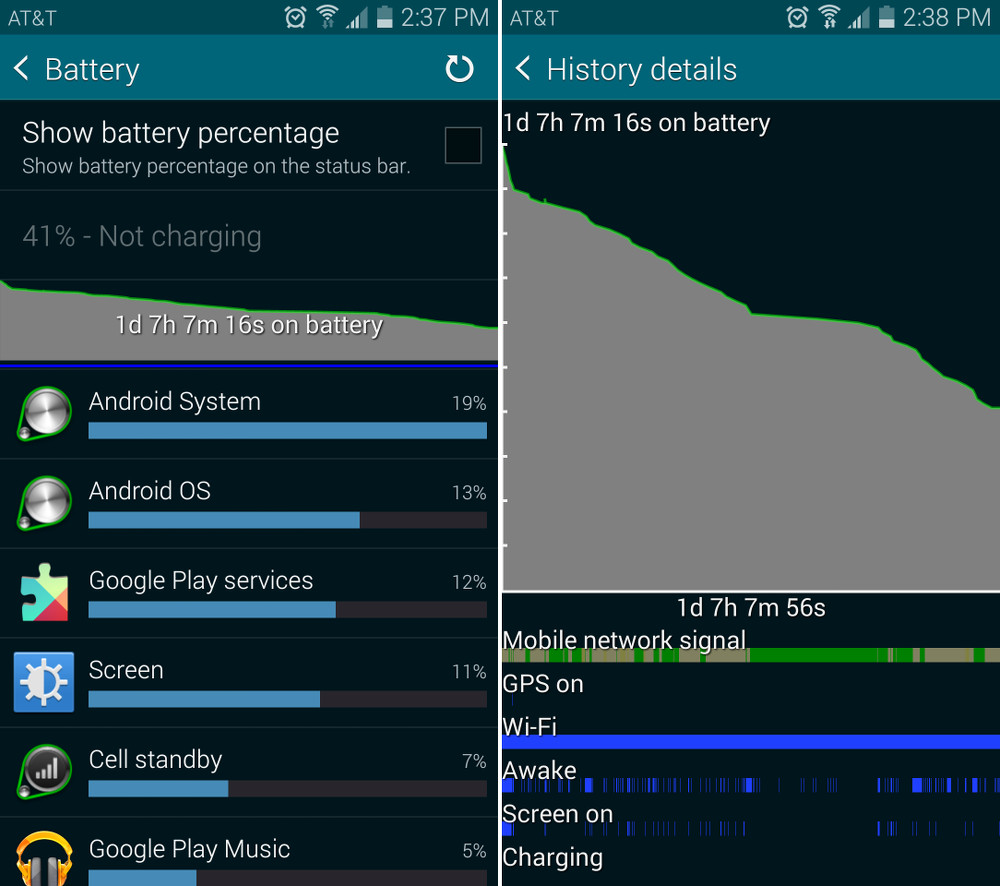
It seems that Kellen and I differ slightly on how we feel about the battery life. I thought the Galaxy S5 did better than I had initially expected, but Kellen experienced rather dismal battery performance from his time with it. For the sake of fairness, since we both live in different areas and have the Galaxy S5 on different carriers (me on AT&T, Kellen on Verizon), we will say that the Galaxy S5 battery life hits par for the course. It is powered by a Snapdragon 801 with 2GB of RAM, while also lighting up a 5.1″ Super AMOLED 1080p display. Let’s face it, the battery, no matter its size, has its work cut out for it.
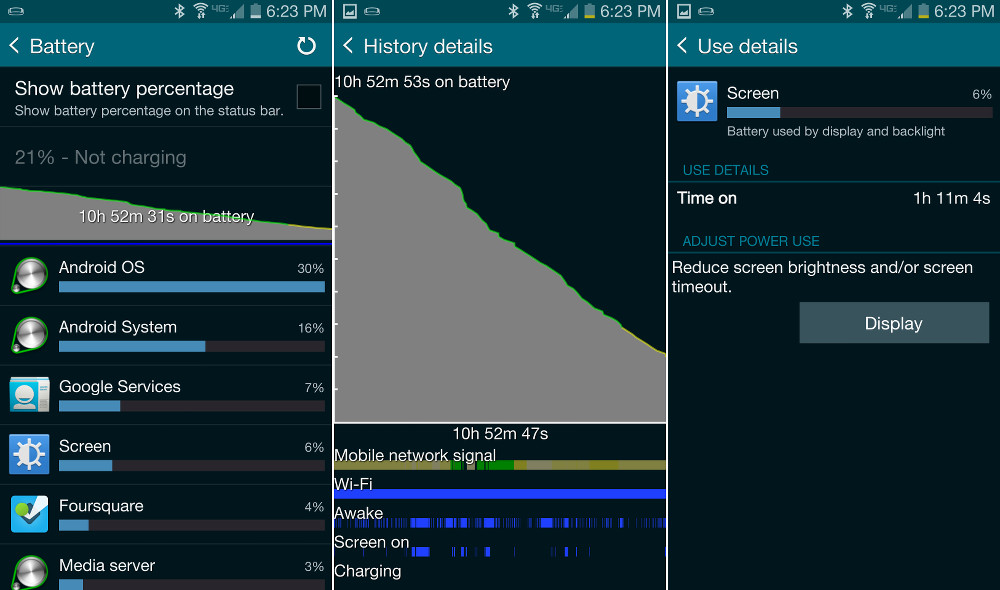
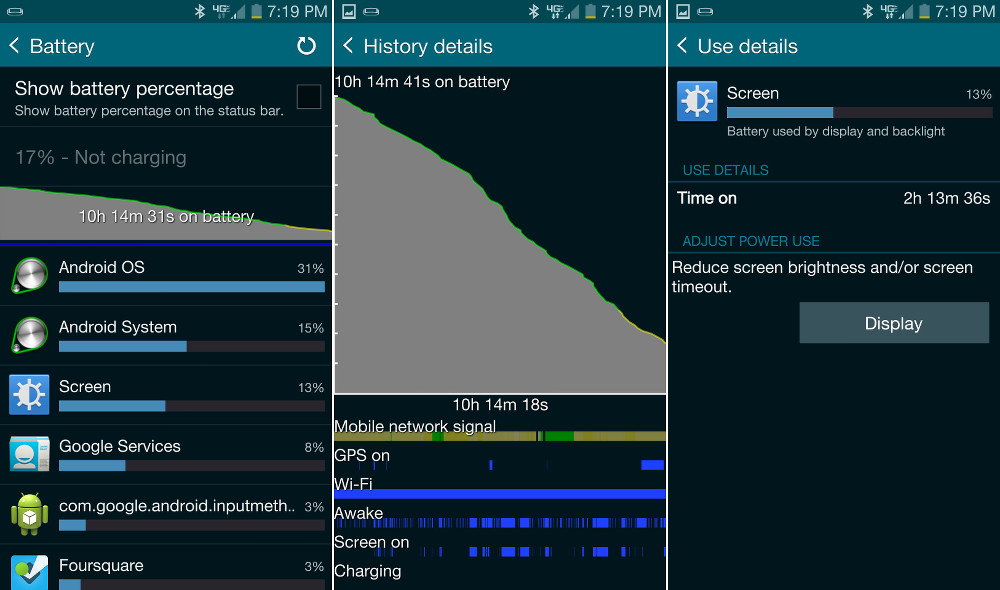
att gs5 battery1 att gs5 battery2 vzw gs5 battery1 vzw gs5 battery2
While I personally was able to get a solid day out of the Galaxy S5 which included a normal day of work, errands, and late night grub runs (two sets of screenshots on the left). If I didn’t go anywhere throughout the day and then didn’t plug in the phone overnight, I could get a day and a half easily (mostly on WiFi). The battery life isn’t outstanding, not by any means, but it wasn’t bad either. It was just what you would expect from a device with a ton of features running in the background and top tier specs.
Kellen, on the other hand, had pretty terrible battery life to report, which can be seen in the two sets of screenshots on the right. It could be that Verizon doesn’t have great coverage in his area. As you can tell from his tests, his signal wasn’t green most of the time, so the battery life was likely suffering. Reports elsewhere tend to be more in line with my results, not Kellen’s. Battery life shouldn’t be something to worry about if you purchase the Galay S5.  -T
TouchWiz
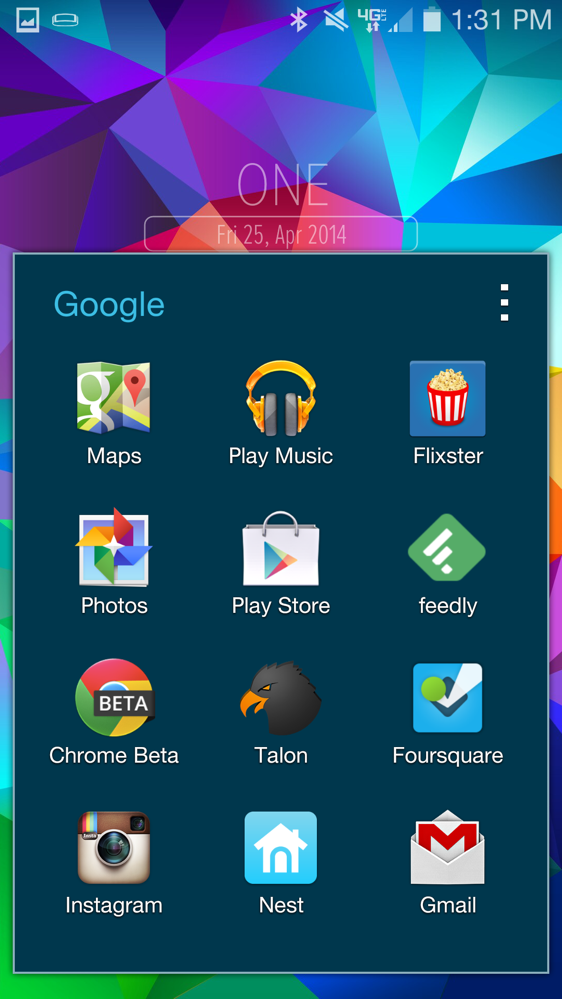
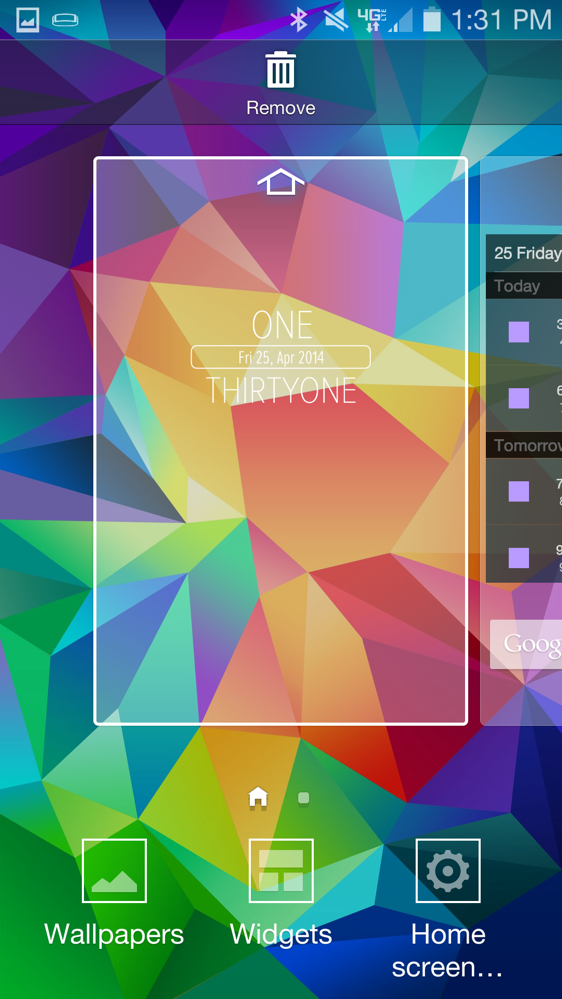
For years, we have complained about the dated design and overwhelming number of features contained in Samsung’s TouchWiz skin atop Android. With the Galaxy S5, Samsung is finally giving us a major makeover that combines the design world’s new love of all things flat, while still maintaining a familiar TouchWiz aesthetic that long-time Galaxy owners will understand. It’s actually quite pretty for the most part, but the whole experience can still be overwhelming to someone looking to do the simple things. As is the case in most smartphone situations, and something Motorola proved to us is an organizational focus for its phones, less is more.
galaxy s5 touchwiz-1galaxy s5 touchwiz-2galaxy s5 touchwiz-3galaxy s5 touchwiz-4galaxy s5 touchwiz-5
As far as the look of the new UI of TouchWiz is concerned, I get the feeling that most of you will be satisfied. Gone are the Gingerbread-like columns and colors, in is the flatness. From the new notification pull-down circular icons to the revamped Settings menu and the somewhat-Android-guidelines-followed redesigns of core apps like S Health and the Gallery, Samsung has made steps towards a better Android skin. You will still be annoyed by bloopity blooping touch noises (please turn them off) and overwhelmed by the 37 categories in the settings area, but it at least looks much better.
Where we found problems with TouchWiz in the Galaxy S5 is where we always find problems. There are far too many settings (again, there are 37 to try to figure out), too much nature-noise non-sense going on, and still far too many features that we aren’t sure we will ever really need. Things like Toolbox, Multi Window, and One-handed Operation are quite useful in a variety of situations, but others like the Fingerprint scanner, Motion Gestures, and Air View just seem so unnecessary or half-baked. And what happened to really helpful features like app shortcuts and widgets on the lock screen? Why did Samsung allow Verizon to kill off Paypal fingerprint authentication? Where is Download Booster on most U.S. variants? Why can’t I swipe between the panels in the Dialer? Why is it so painful to create a folder on a home screen? Can we ease up on the bloatware? Why does Samsung insist on investing in their own Apps store when we have Google Play?
galaxy s5 touchwiz-6galaxy s5 touchwiz-7galaxy s5 touchwiz-8galaxy s5 touchwiz-9galaxy s5 touchwiz-10
TouchWiz has changed for the better in many situations, but again, the same overwhelming nature of it still makes it one of our least favorite Android skins. The Galaxy S5 is yet another phone that we would advise you install a 3rd party launcher on immediately. -K
Speaker and Headphone Output
Coming from an HTC One (M8), the Galaxy S5 was quite a step down in the audio department. I listen to music on headphones a lot throughout any given day, and when I notice that audio quality and overall volume is somewhat poor, it drives me from a device rather quickly. What the Galaxy S5 does well is that Samsung baked in its own audio settings, which allows users to control a very wide range of EQ settings. You have your presets like Rock, Hip Hop, and Classical, but it also has a variety of different artificial effects your music can be sent through. For example, if you want a more auditorium tonality to your music (with more echoes and open sounds), you can select Concert Hall. If you want a classic rock vibe, you can choose a Tube Amp preset, which brings sort of a warm and crunchy tone. As someone who spent years in a metal band, obsessing over tones and effects, I was somewhat surprised at how much of a variety I can choose from on the Galaxy S5.
Unfortunately, these presets don’t exactly make your music sound any better. To top it off, I found that the Galaxy S5 didn’t get loud enough for me or feature a “full” enough sound. I was left wanting more bass or more mids, longing to have HTC’s BoomSound software on the device. The One (M8) features fantastic speakers for when you want to not wear any headphones, and of course, the Galaxy S5′s single speaker can’t live up to that. Sure, the GS5′s speaker gets plenty loud, but the sound just isn’t as close in the quality department to HTC’s. -T
Health Features
When Samsung announced the Galaxy S5 with heart rate monitor and its new line of Gear wearables, I was really excited to dive head first into this new fitness-focused ecosystem. I can tell you right now, that after using its set of fitness features, that I have already stopped using because I have other fitness products I prefer. With that said, it’s something that can be improved over time and could be very useful to some who don’t already own fitness trackers, so don’t completely write it off just yet.
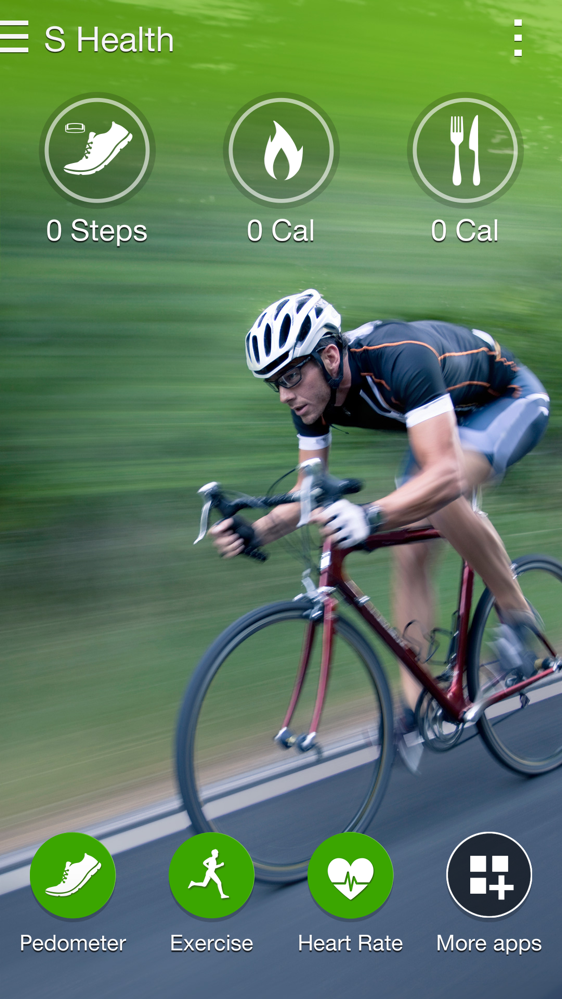
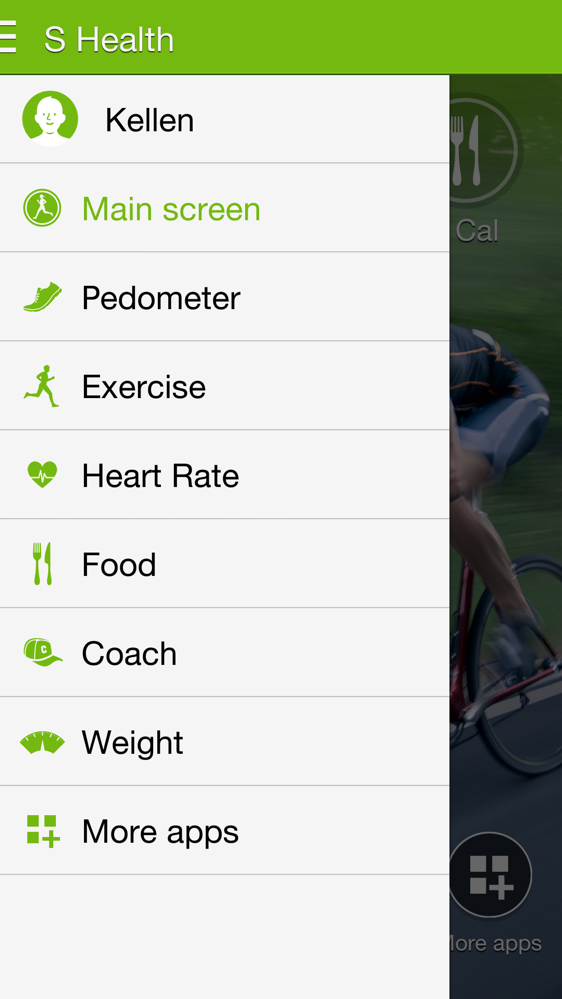
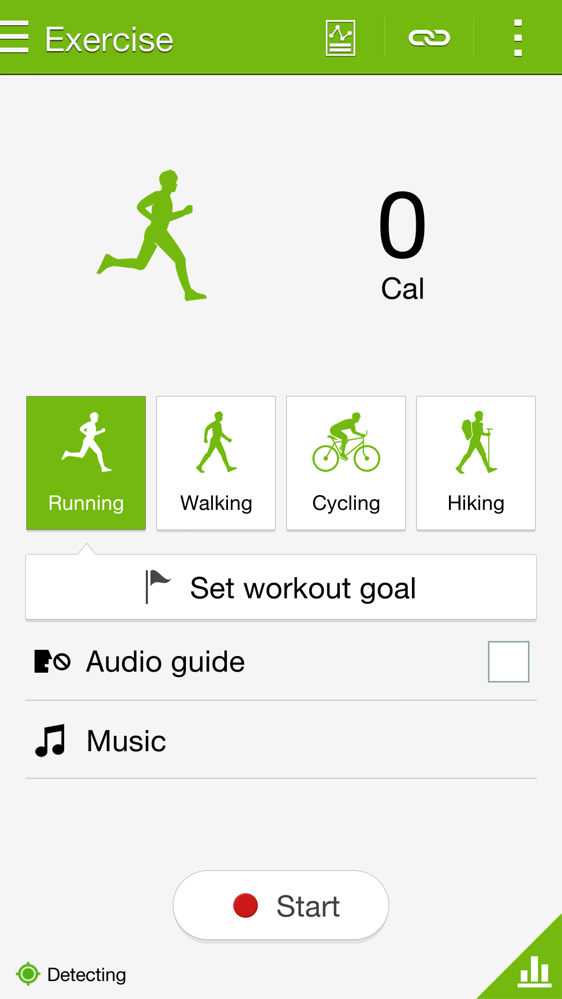
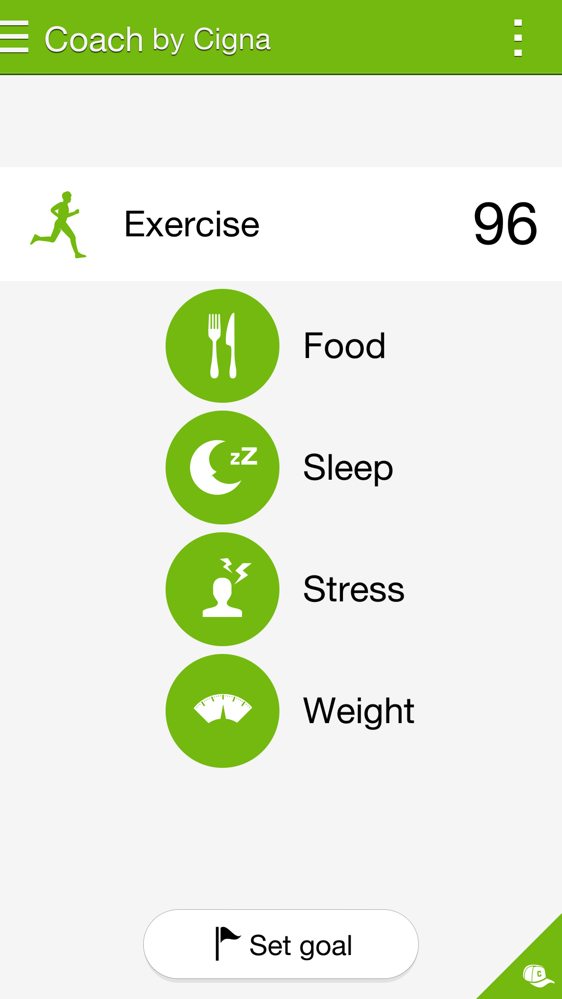
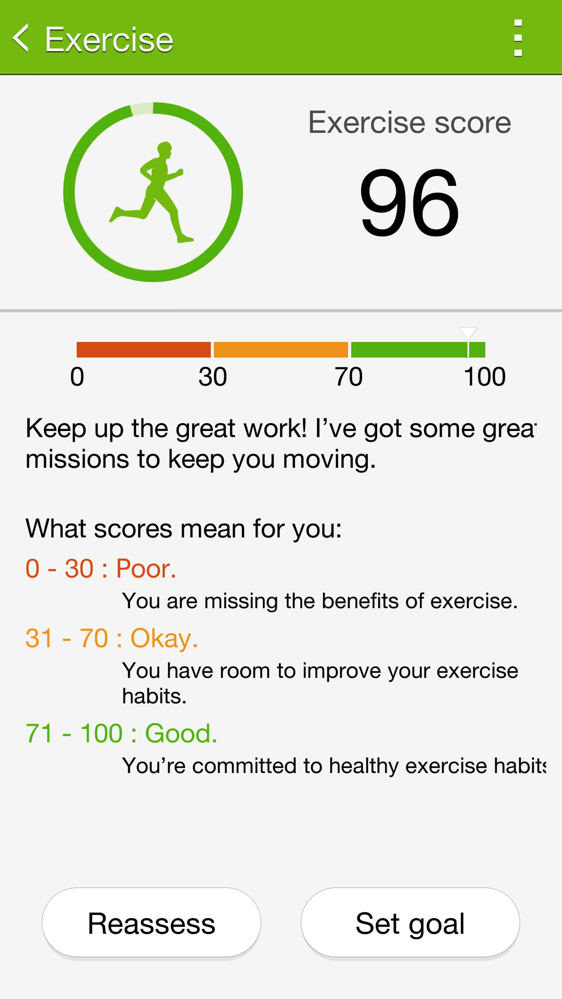
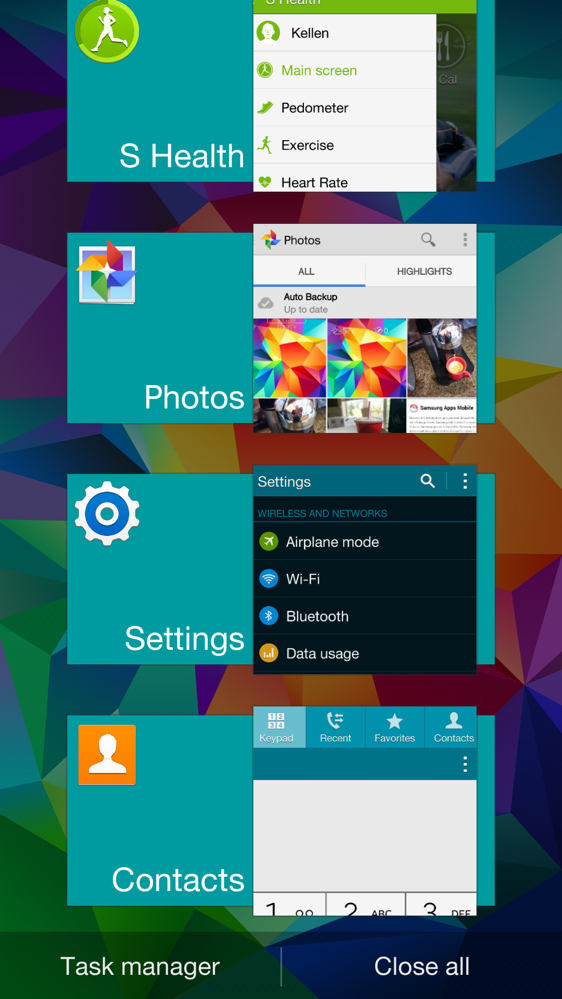
The Galaxy S5 comes pre-loaded with S Health, the hub for most of your fitness categories like pedometer tracking, exercise records, heart rate and food logs, coaching, weight management, and your profile. The pedometer is a tracker that needs to be turned on each day, as it won’t track your steps otherwise (automatically). The Exercise option allows you to track things like running, walking, cycling or hiking. Running is where most of my testing took place. You can take your heart rate using the built in heart rate monitor (Samsung says this is a first for a smartphone). And if you would like to fully take your fitness tracking to the next level, can keep a diary of your food intake, manage your weight, and even use Samsung’s coach-like feature that tries to motivate you to workout more.
galaxy s5 shealth-1galaxy s5 shealth-2galaxy s5 shealth-3galaxy s5 shealth-4galaxy s5 shealth-5
I took the Galaxy S5 on a run that used GPS and the phone tracked my run very well. The pace was spot on with my other trackers, plus it gives you a heat map of your pace throughout, tells you speeds, elevation, and will even let you take a picture to put a memory with your workout. The calories burned count was in the ballpark of where it should have been as well. During runs, you can set goals, use an audio guide, and add music, just like any good fitness tracker would do.
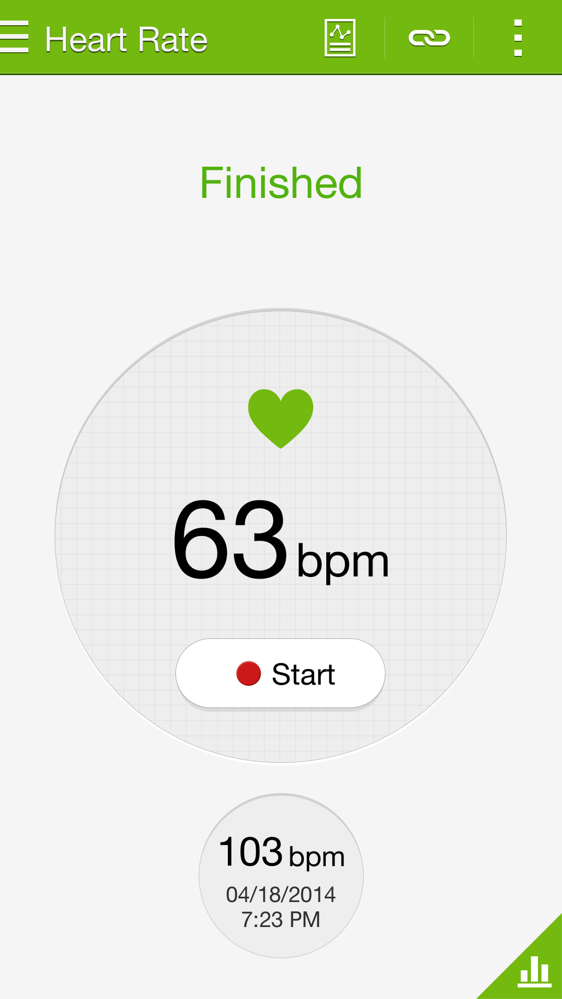
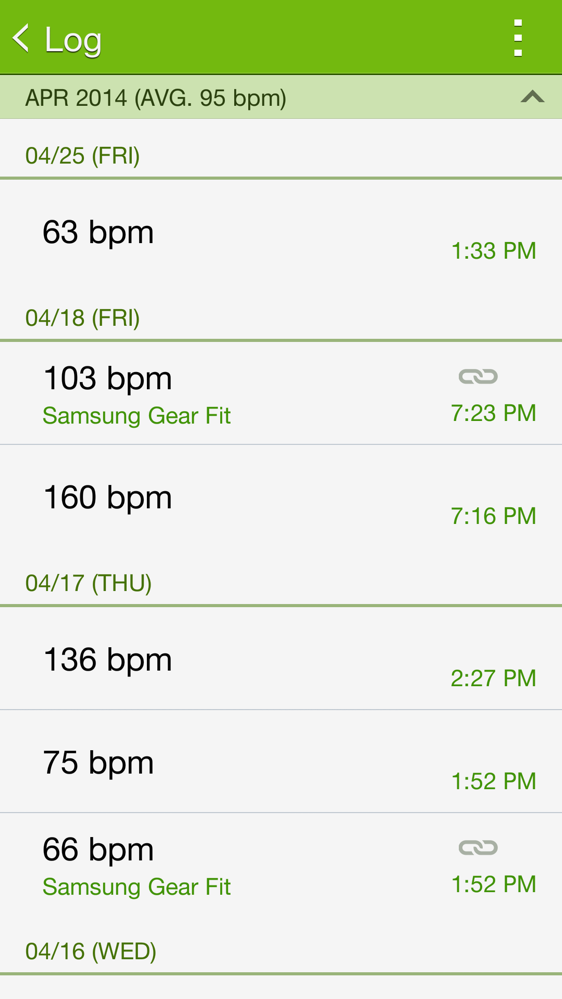
The heart rate monitor works, I think. Since I don’t have another heart rate monitor to compare it to, I can’t exactly say that it is bad. I can tell you that the phone does a hell of a lot better job than something like Samsung’s Gear Fit. As you check your heart rate regularly, Samsung logs them, tosses them in pretty graphs, and really keeps tracks for the most part to help you monitor performance. If you don’t have a heart monitor, this is at least an option.
galaxy s5 shealth-6galaxy s5 shealth-7galaxy s5 shealth-8galaxy s5 shealth-9galaxy s5 shealth-10
My problem with S Health generally comes back to all of the work required to maintain everything. Beyond the sluggishness of the app, it just seems like you are constantly having to tell S Health every single little thing about your life. From keeping up your weight to counting calories for each meal to telling it to start tracking steps to dealing with a faux coach to attaching third party apps to bringing in info from a Gear device to checking your heart rate. It is a lot of work that I found I didn’t have time for. Samsung has updated the app several times over the last couple of weeks, though, and even added a new Sleep tracking app that can pull in info from Gear wearables, so it’s clear that Samsung is fully invested in this new healthy ecosystem. If you are needing the structure of a fully-featured fitness tracking solution, this may do an acceptable job. It will also keep you from having to buy anything else since the Galaxy S5 tries to do it all. -K

The Not-so-Good


Design
The design of the Galaxy S5 just feels like a step in the wrong direction for mankind. The phone is abnormally large when compared to what Samsung did with last year’s flagship phone. They squared it off, making it uncomfortable in the hand. They tossed on a slippery, dimpled exterior coating. They increased bezels dramatically. There is this really obnoxious flap that covers the charging port that will likely break within two months of use. And the faux-metal rim job is nothing but an ugly disaster that makes the whole package look and feel cheap.
galaxy s5 review-4
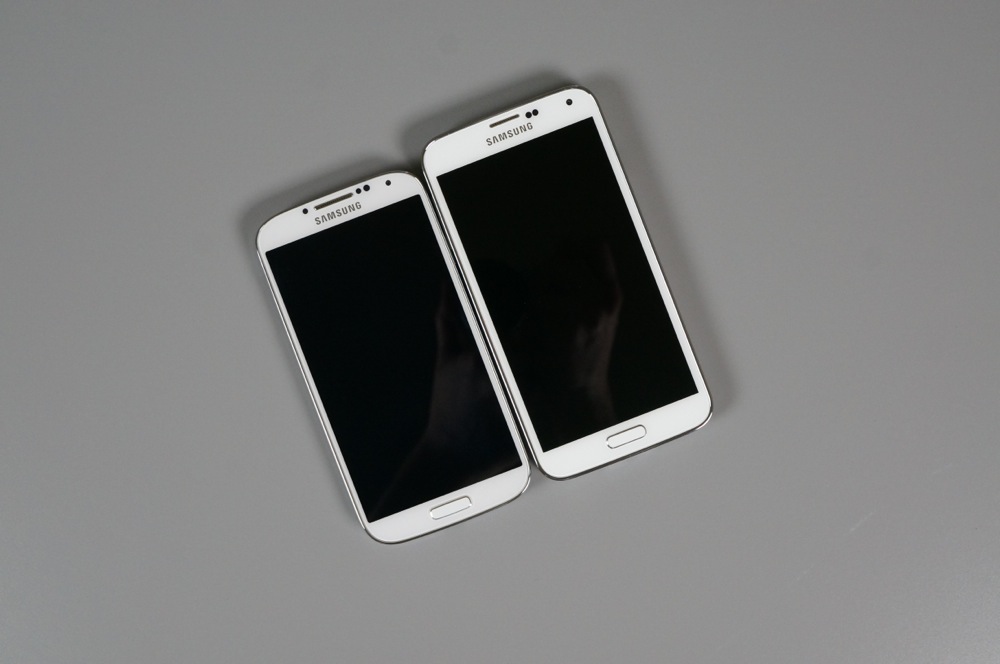
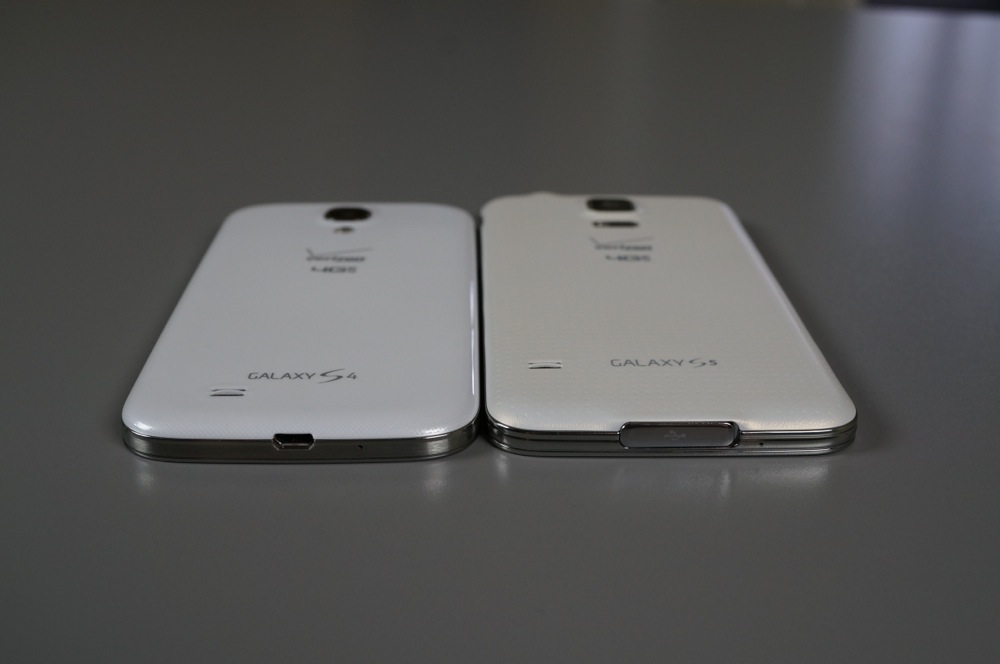
Last year, Samsung bragged (and rightfully so) about how they had made the Galaxy S4 smaller than the Galaxy S3, but upped the screen size and shrunk the bezels. This year, they barely bumped up the screen size from 5.0″ to 5.1″, yet added 6mm of height and another 3mm of width. I’m not saying that they needed to work some miracle and create a smaller S5 than S4, but why the huge jump in size?
As for the shape of the phone, I can tell you right now that if you are going to make your phone this big, you better think about rounding it off some. HTC understood this with the One (M8) and Motorola clearly did with the Moto X. Round things feel better in your hand. The Galaxy S5, has rounded corners, yet somehow feels so squared off that it’s uncomfortable and at times awkward to hold.
Bezels are bezels. We hate them, you hate them. The Galaxy S5 has an extra amount of bezel when compared to the Galaxy S4 or other flagships of today (not counting the One (M8)). Since the phone grew so much, I really would have not liked to see this much bezel hanging around.
galaxy s5 review-1galaxy s5 review-5
My complaint with the flap that covers the charging port is two-fold. But first, understand that I am fully aware that it is needed in order to make the phone water resistant. I get it, I get it. The problem with the flap, is that it is very difficult to maneuver out of the way of the massive USB 3.0 cable that is used to charge the Galaxy S5. It is also as difficult to re-attach the flap. It takes some real wiggle-work in order to get this thing in place. Finally, I am actually surprised in my three weeks of testing that it hasn’t broken off. If this flap lasts you two years, I would be shocked.
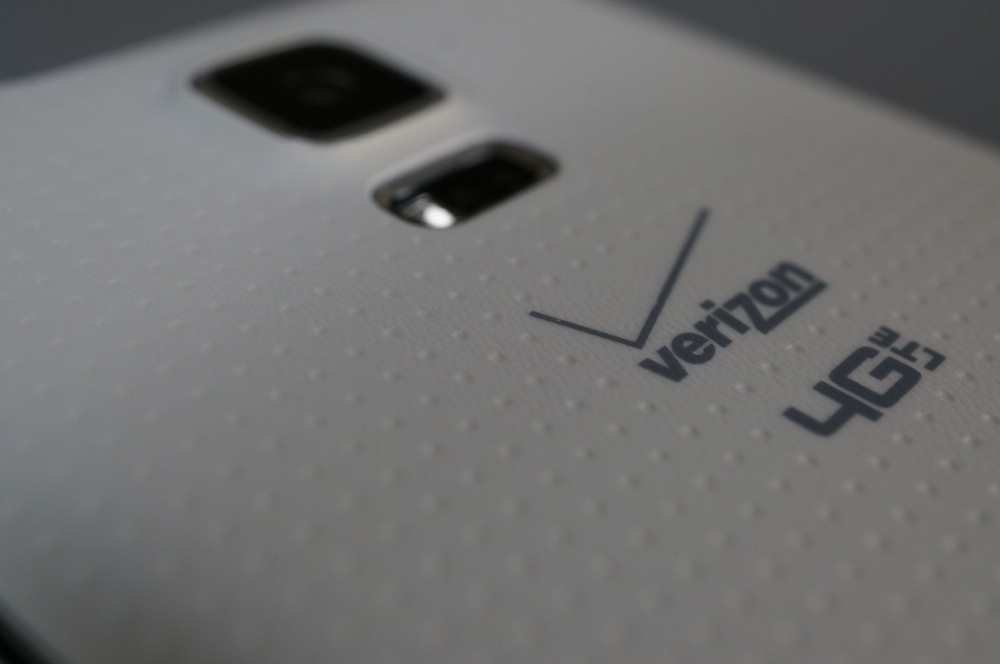
Finally, Samsung removed the gross, glossy coating of previous phones, instead going with a dimpled, almost matte finish. It looks a lot better, but it has been slippery in my testing. Also, the faux-metal rim around the phone – come on, Samsung, you can do better than that. This phone is just begging for a case like no phone has begged before. -K
Performance
Now comes the sad part, which if you would have asked me when we traveled to New York to see the Galaxy S5 for the first time, I would have called you crazy. The overall performance and multi-tasking capability of this device is rather embarrassing and hard to comprehend. As we said in the specs section up top, this device features next-gen hardware – a Snapdragon 801 processor clocked at 2.5GHz, 2GB of RAM, an Adreno 330 GPU, and runs Android 4.4.2 Kit Kat. Even with these specs, the Galaxy S5 seems to lag and stutter all over the place, with issues most apparent when switching between applications. I have had the device completely freeze at least a few times when web-browsing on the Chrome browser, as well as just skimming through my Twitter timeline clicking on external links. The new multi-task button also fields a solid 2-second delay before popping up your list of recently used apps. My worst nightmare came to fruition when I was playing a game called Impossible Road, making it all the way to around the 40-50 level checkmark. At that time, the Galaxy S5 stuttered momentarily, sending my ball completely off course into the oblivion, with no chance to recover it. Is that experience something I want from a 2014 flagship? Absolutely not.
Should we blame TouchWiz for this outrage? With nothing else to directly point the finger at, we say yes. The reason most people would instantly blame Samsung’s skin is that if you were running plain vanilla Android on this device, it would have the potential to fly. What’s worse is that the Moto X, a device with specs from two years ago, appears to handle and perform with less hiccups and frustration. Could the performance somehow be tweaked in an update to the Galaxy S5 to allow it to perform better? Absolutely.
It’s not all bad, though. When taking pictures with the Galaxy S5, I didn’t seem to notice any lag, allowing me to snap shots and get all of the right moments with no problems.
In the end, I was asked by a reader that if I was forced to choose one device from 2014 to have for a full year, would it be the Galaxy S5? From my experience with the phone’s performance alone, I can easily say there is no way I could handle these types of frustrations for any long period of time. Sorry to say, but once this review is up, I don’t think I will ever touch the Galaxy S5 again as a daily driver. -T

Other Notes


  • Fingerprint scanner:  As mentioned above, the Galaxy S5 has a fingerprint scanner. It can be used to unlock your device, authorize Paypal payments on some versions, and login to your Samsung account. It is pretty limited in its current form, so there really isn’t much to share about it. This really isn’t a selling point of the phone or an area you should really care much about. I can’t imagine many of you utilizing it often, especially since it can be rather finicky. To see it in action, check out our “how to” in the video section below.
  • Bloatware count:  I counted at least 19 pre-installed bloatware apps on the Verizon variant of the Galaxy S5, while Tim found at least 15 on the AT&T model.